Confluence developer-oriented wikis
Redacted screenshots of pages that I created in the Confluence wiki spaces for which I was responsible at EIS Group. The wikis hosted documentation for B2B insurance technology (over 50,000 pages).
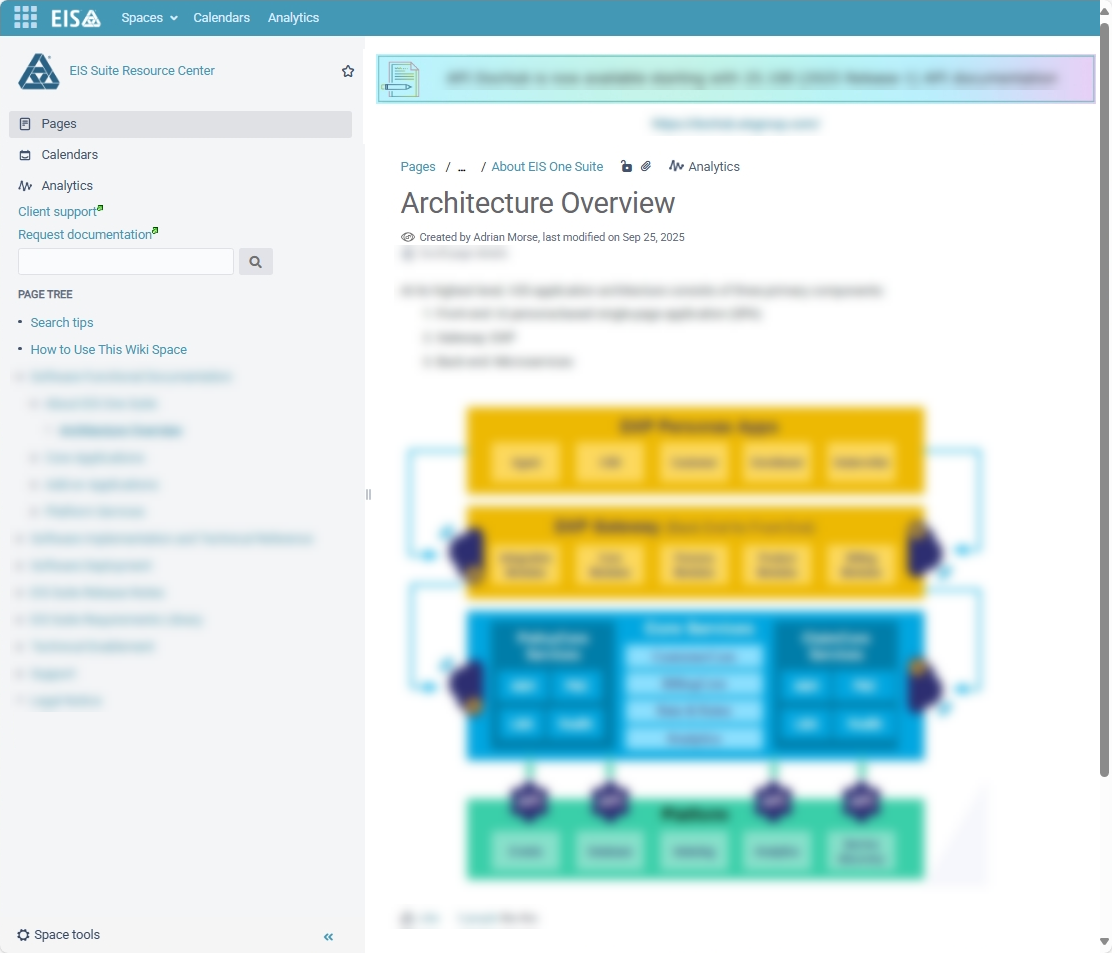
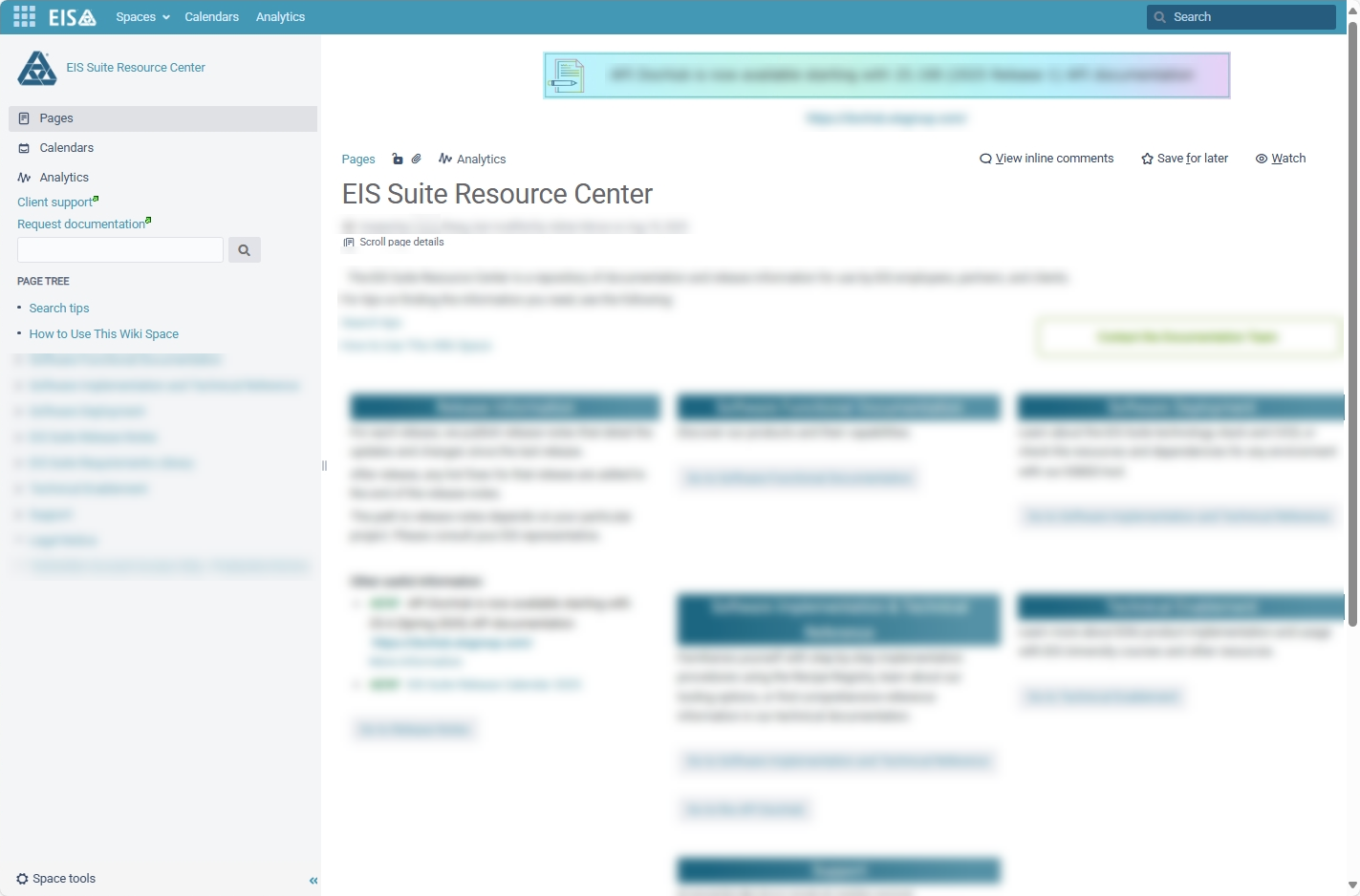
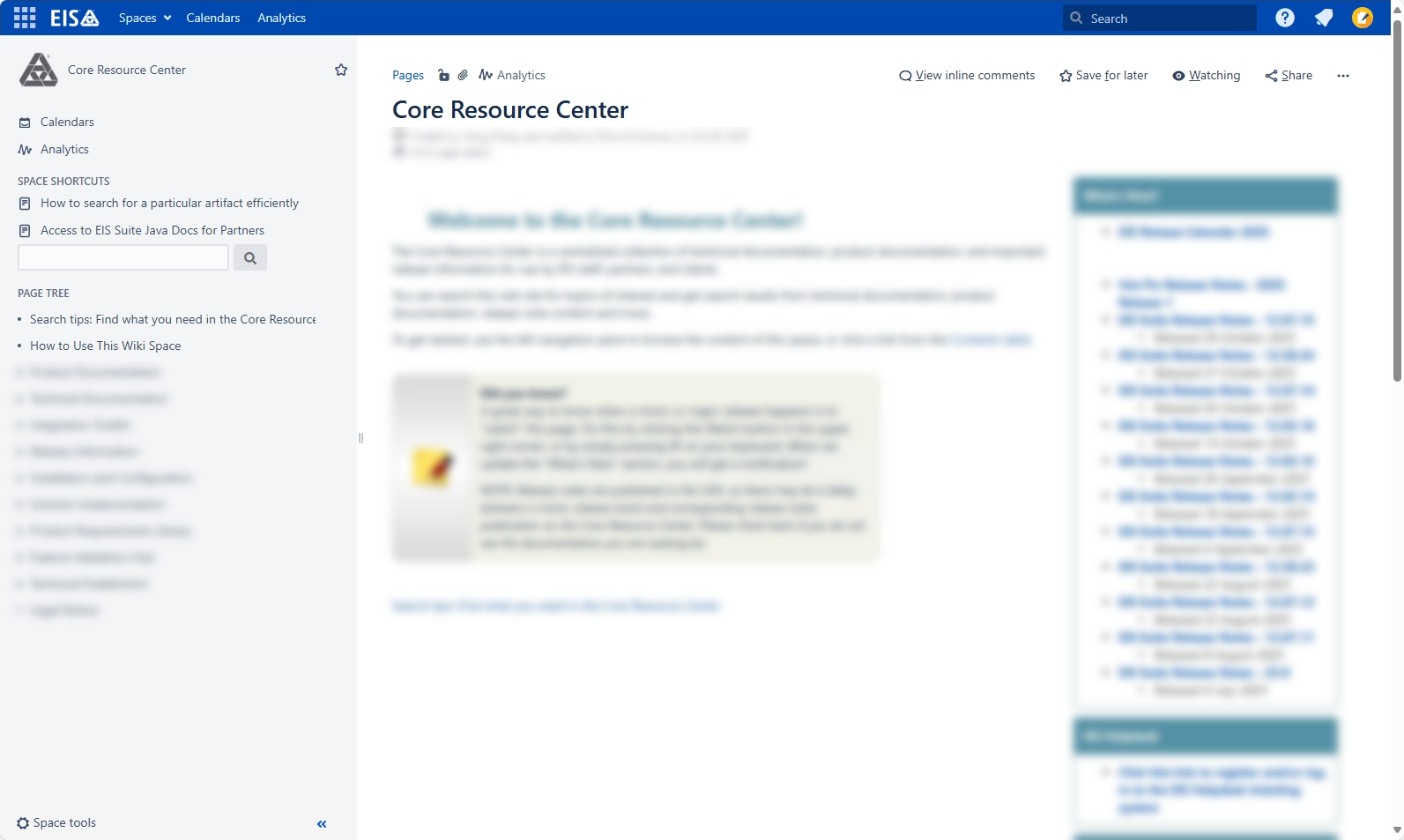
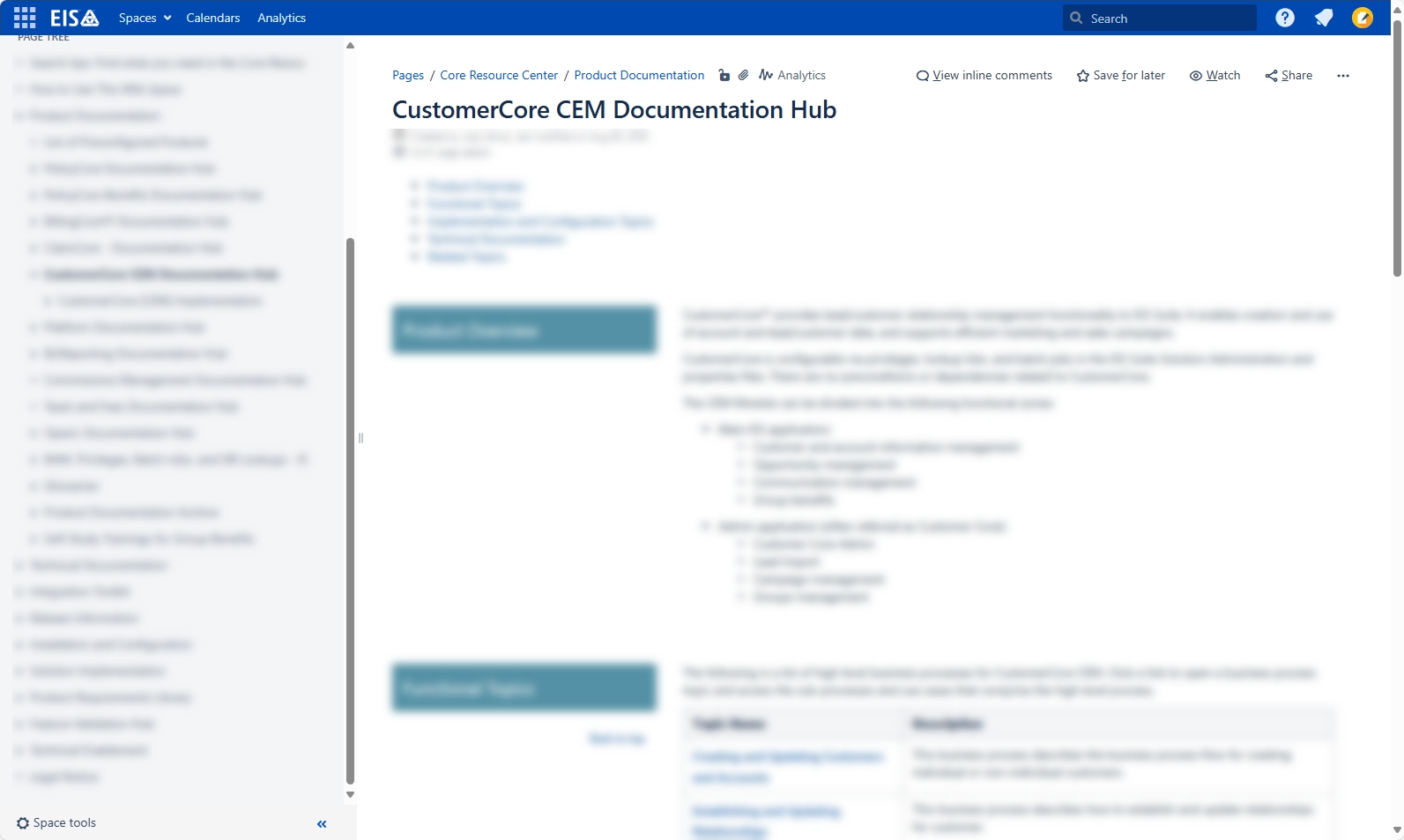
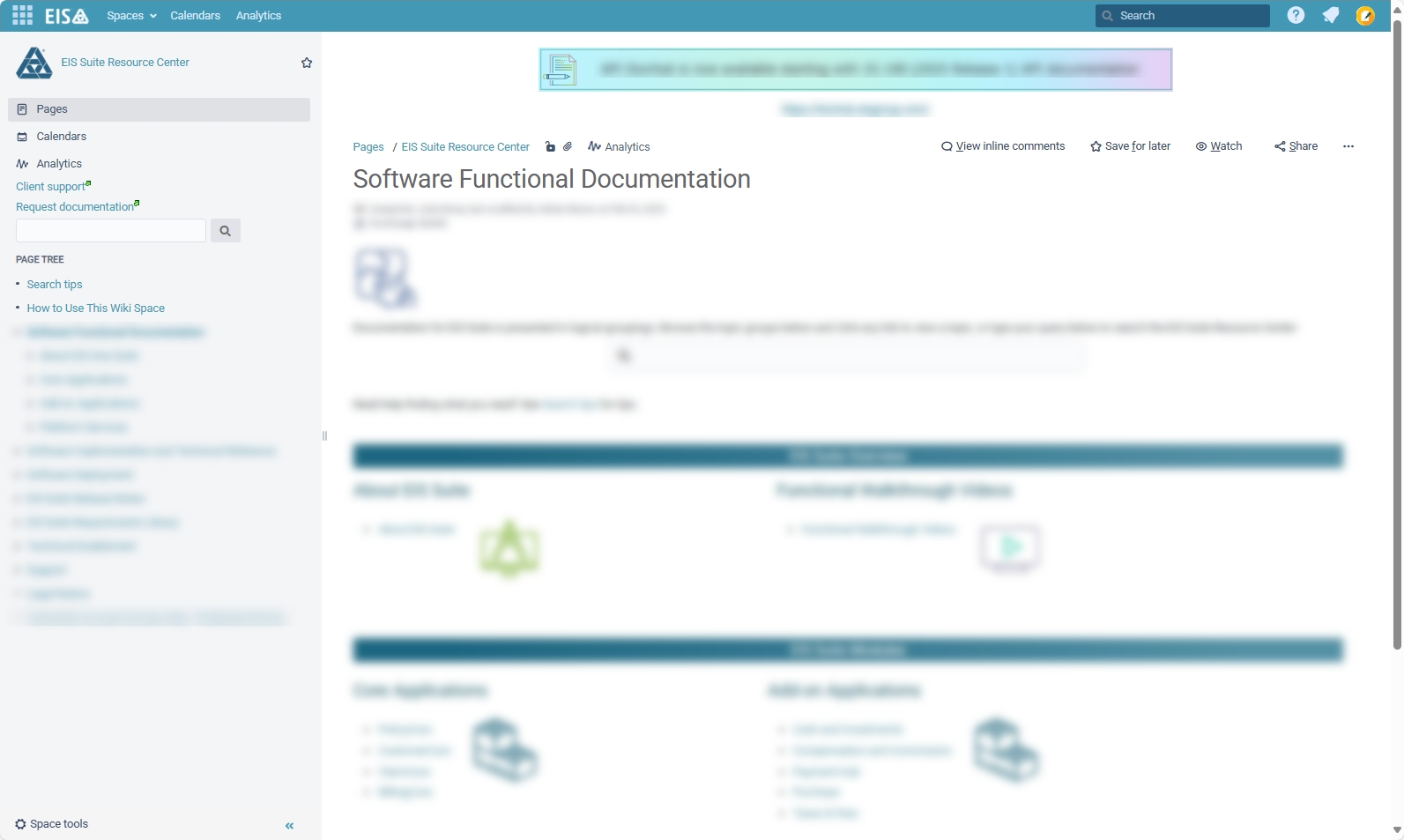
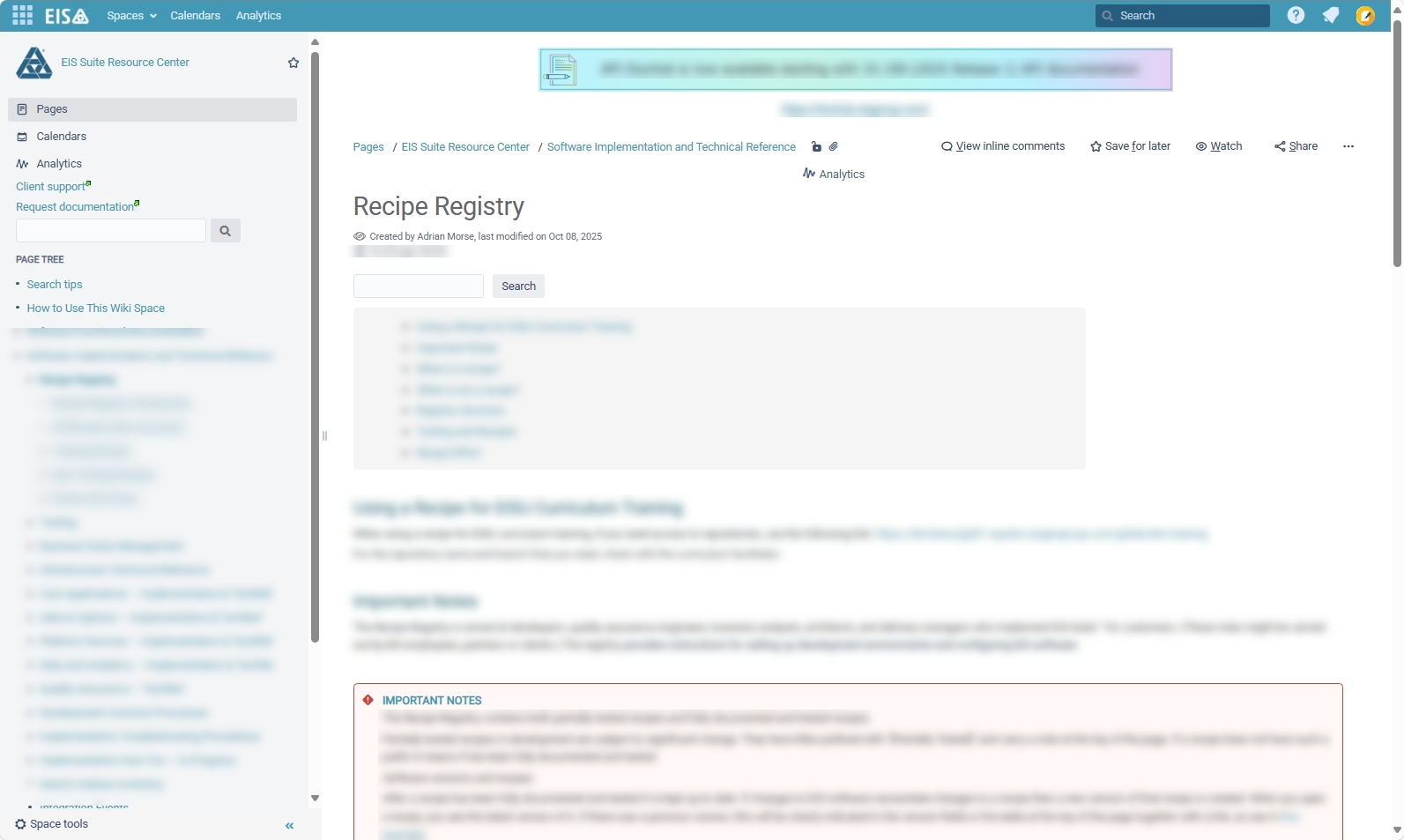
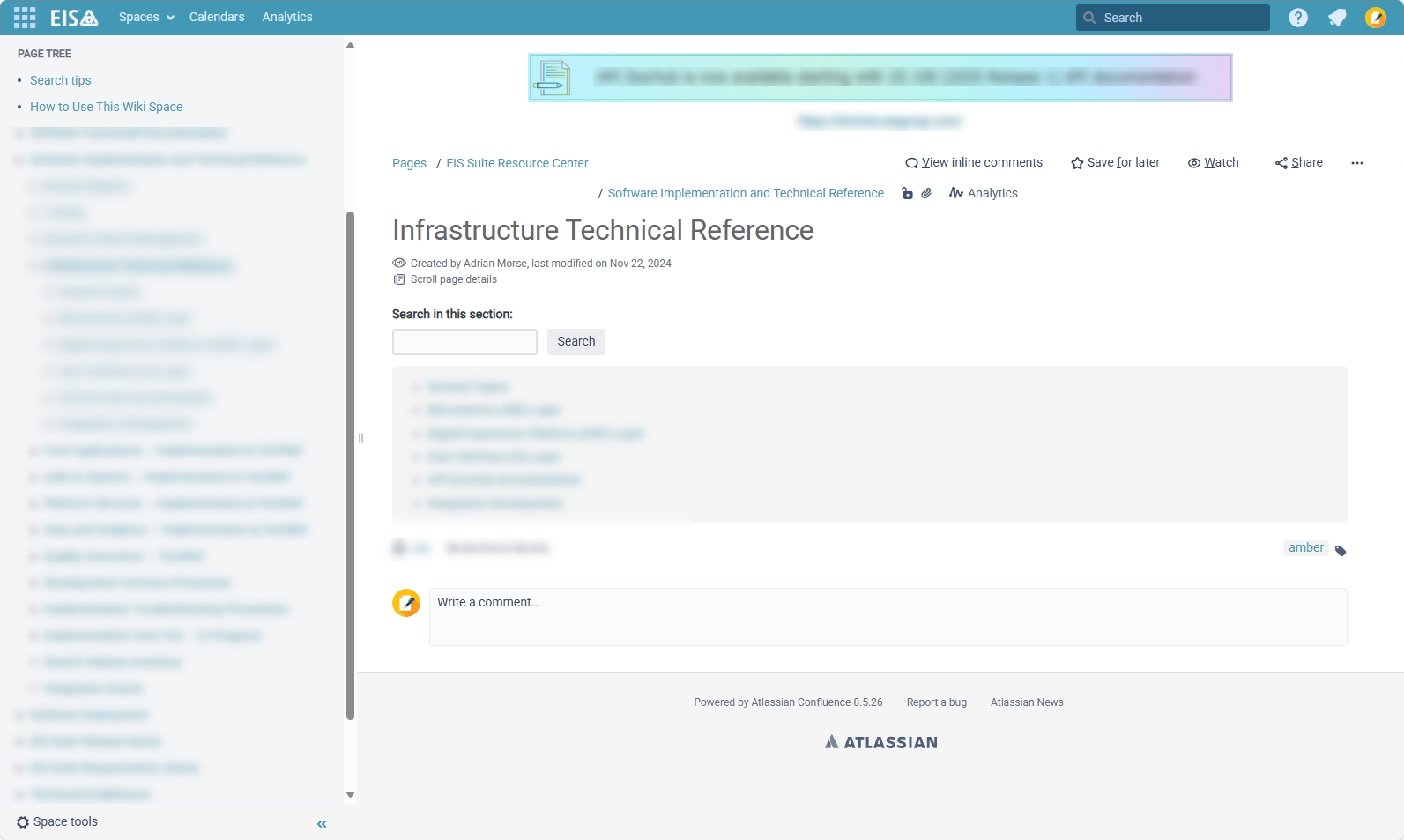
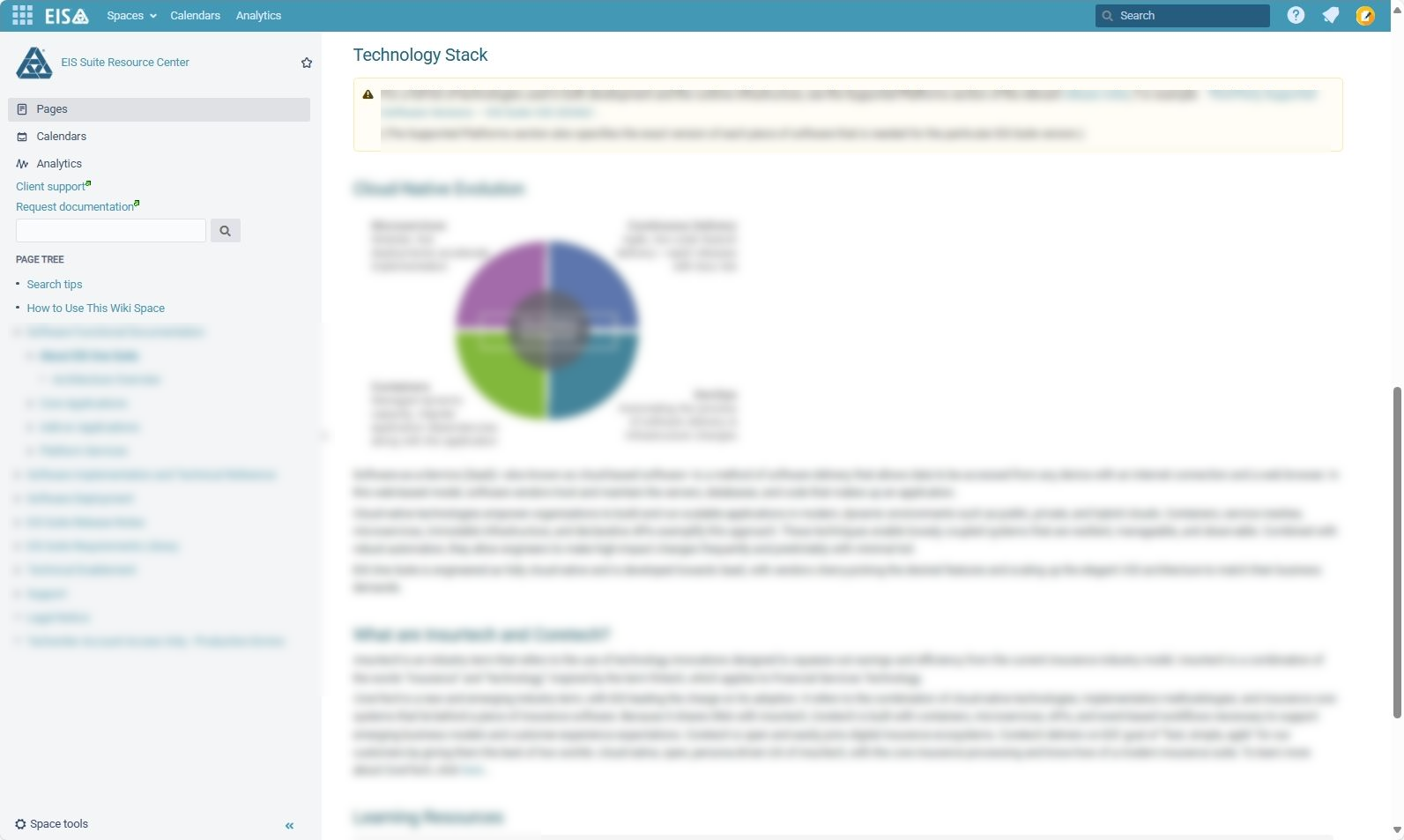
Redacted screenshots of pages that I created in the Confluence wiki spaces for which I was responsible at EIS Group. The wikis hosted documentation for B2B insurance technology (over 50,000 pages).
These are some of the many single-source projects that I have set up. They use repurposing features such as the following:
Different output types (HTML5 Help / PDF) and different content (product A / product B) from the same source.
Click the first thumbnail to see a diagram showing how multiple outputs were created from the same TOC file using conditions
Click the second thumbnail to open the redacted HTML5 Help. (Opens in new tab.)
Click the third thumbnail to open the redacted user guide PDF inside an iframe at the bottom of this section.
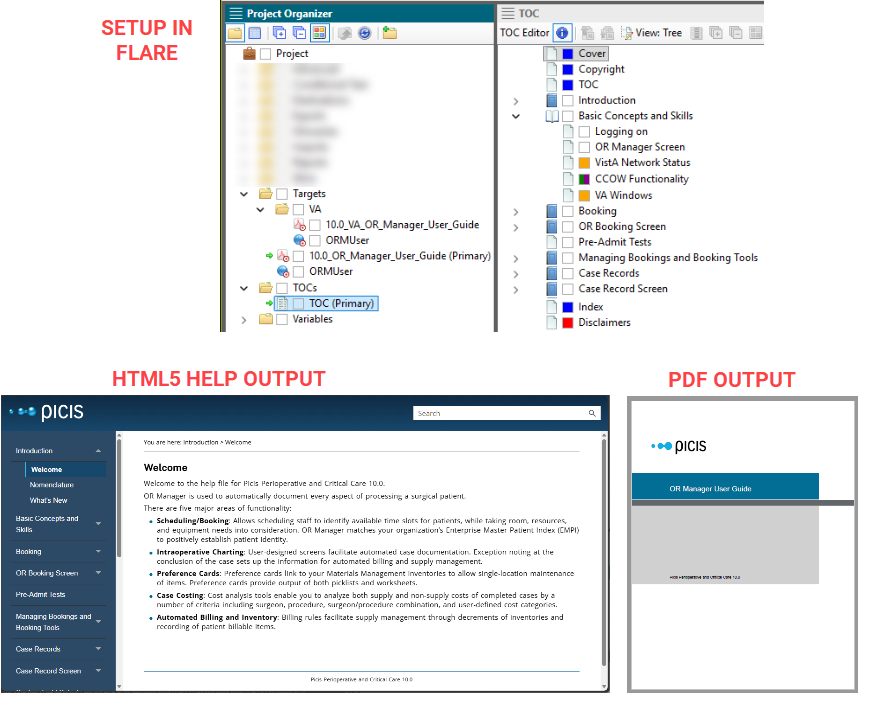
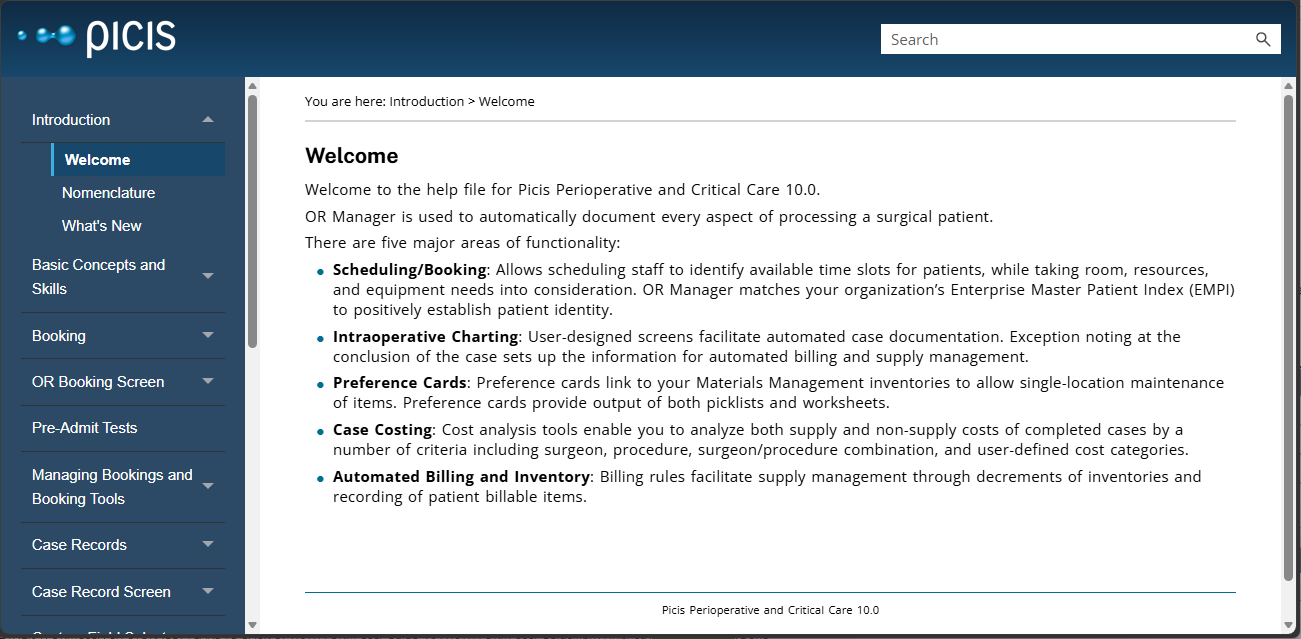
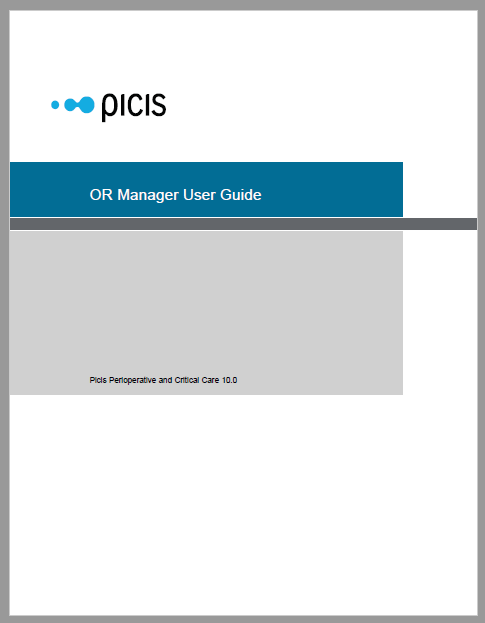
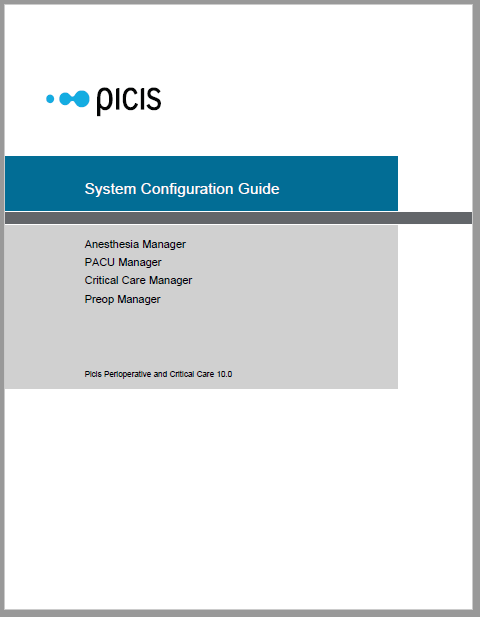
Different output types (HTML Help / PDF) and different content (product A / product B) from the same source using a single build-time TOC.
Click the first thumbnail to see a diagram showing how multiple outputs were created from the same TOC file using conditions
Click the second thumbnail to open the redacted configuration guide PDF inside an iframe at the bottom of this section.
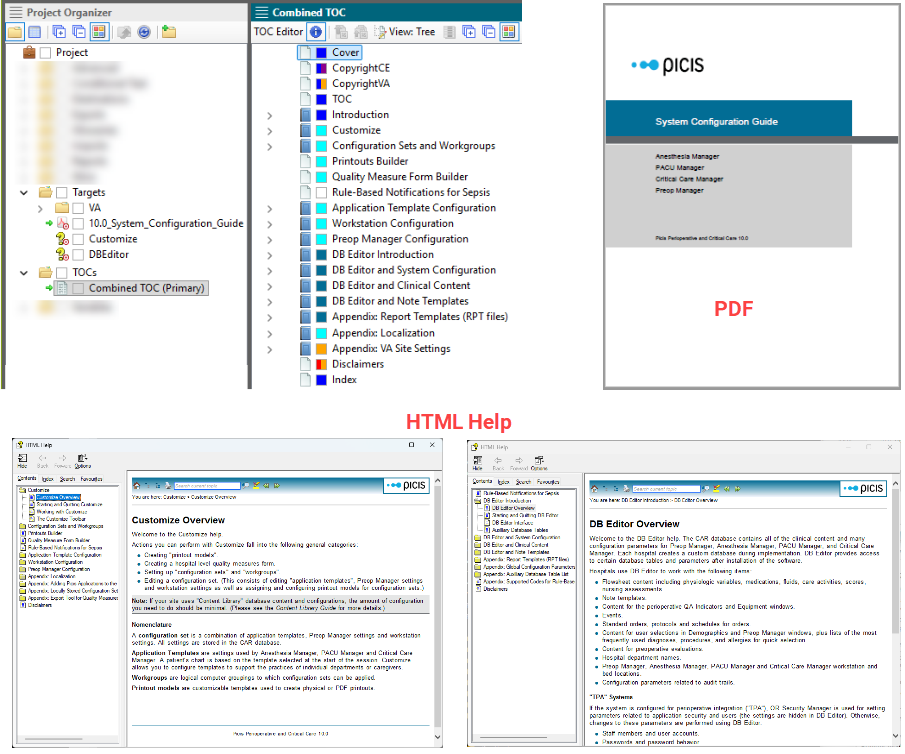
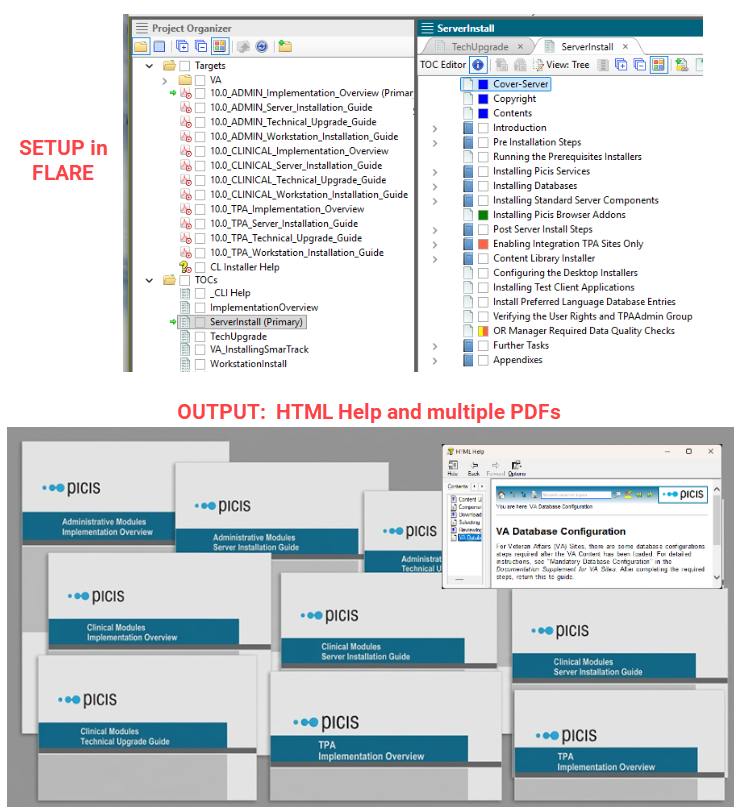
Different output types (10 PDFs and one HTML Help file) and different content (product A / product B) from the same source using multiple build-time TOCs.
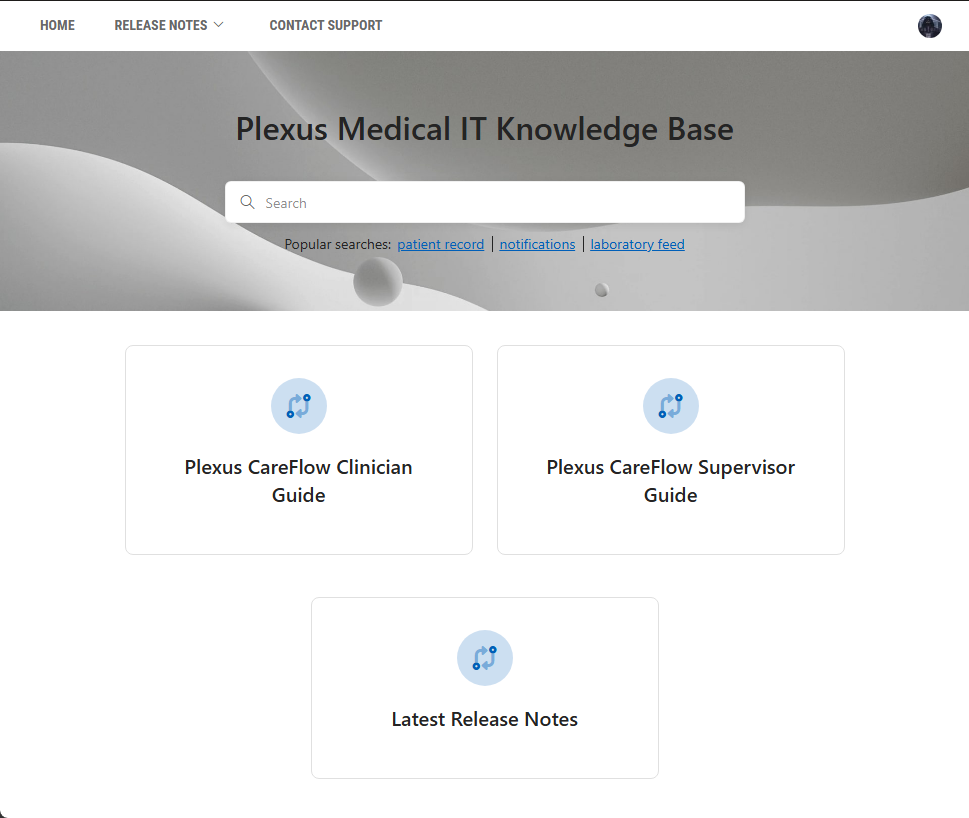
As a personal project, I used ClickHelp to create a publications portal for a fictitious healthcare company.
View live portal (Opens in new tab)
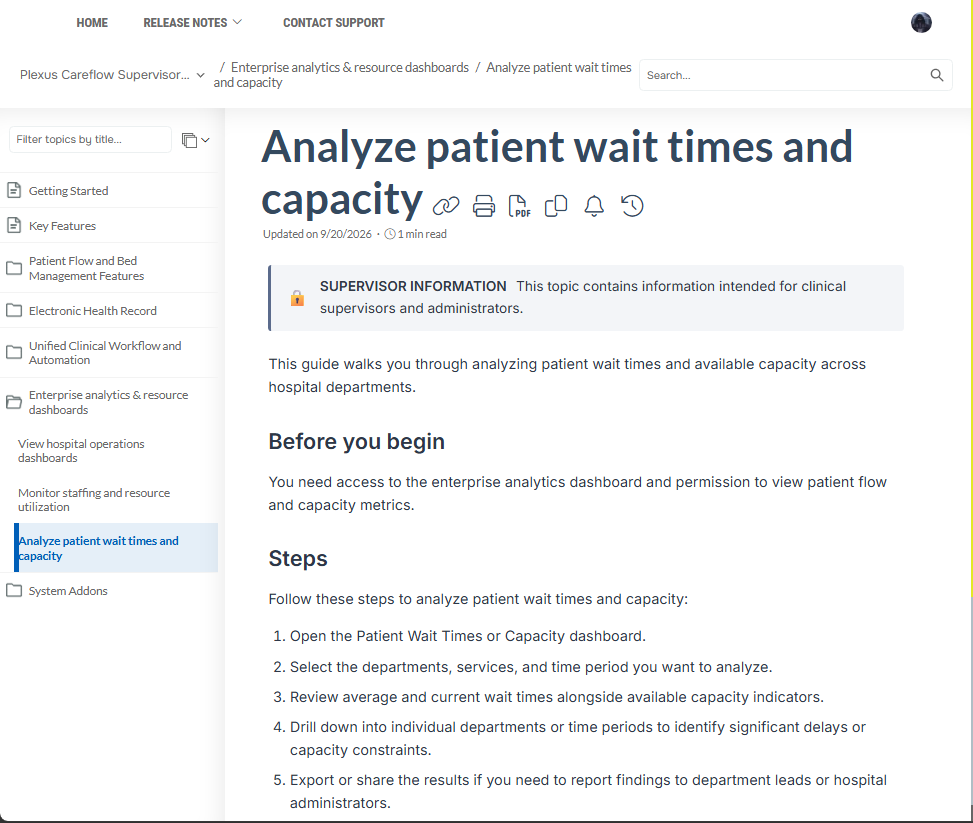
The portal includes a clinician guide and supervisor guide created from the same source.
Click the thumbnails to see screenshots of the portal and the supervisor guide.
See also Confluence/k15t portals
At EIS Group, I managed a comprehensive audit of the API documentation for a B2B insurance product suite (Policy, Billing, Claims). The audit resulted in consistent terminology and clearer descriptions for over 100 Swagger/JSON schemas. Rather than editing swagger files in isolation, I used an Excel-based approach to facilitate cross-file edits:
(I have also completed the full "Documenting APIs" hands-on course by Tom Johnson.)
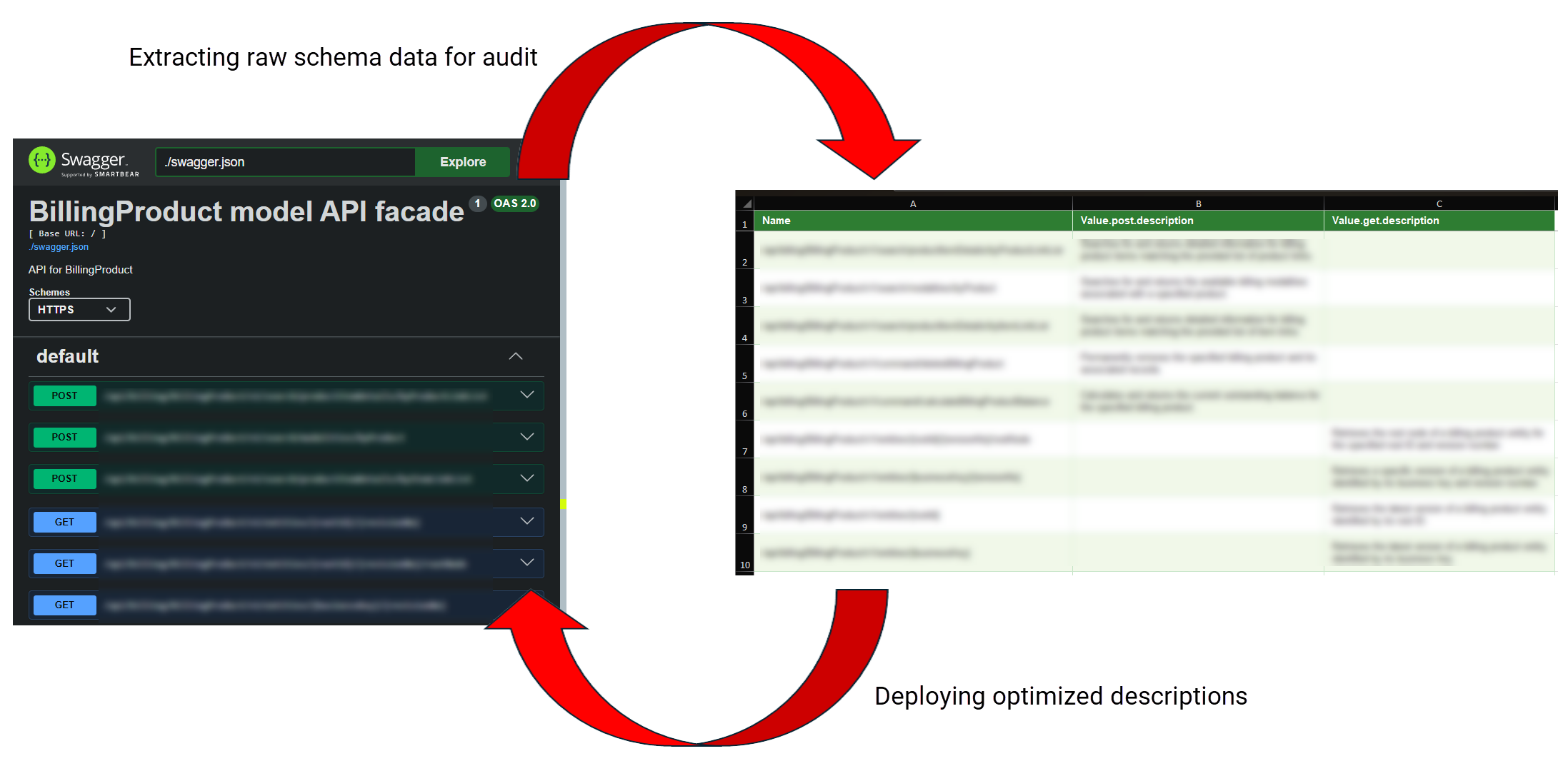
This section shows...
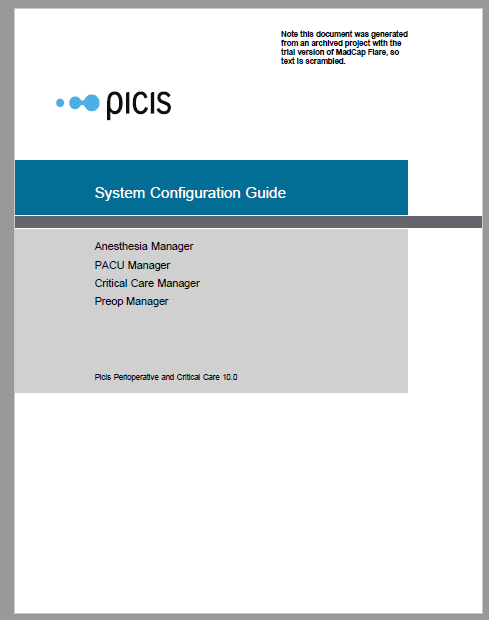
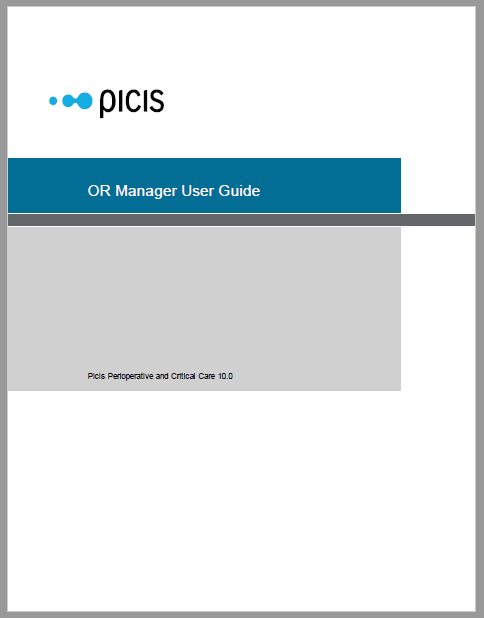
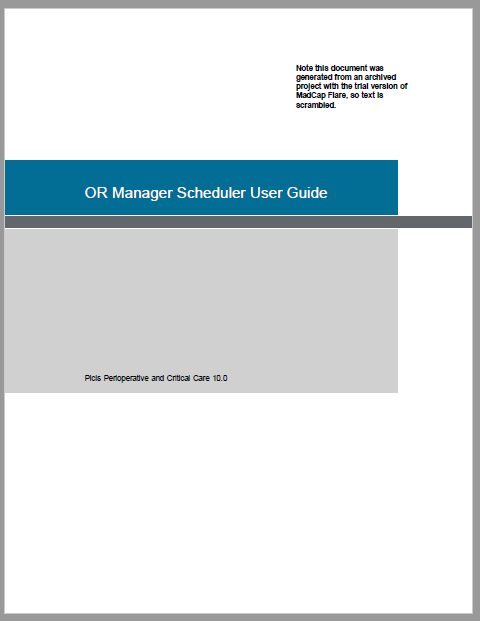
These files show a few of the many user and configuration guides that I have created. These ones were created using MadCap Flare.
Click a thumbnail to open the redacted PDF inside an iframe at the bottom of this section.
These files show a few of the many implementation guides that I have created. The first example describes how to install a Business Objects application. The second example describes how to install the multiple servers needed to support a full hospital-wide software system. Both documents were created using MadCap Flare.
Click a thumbnail to open the redacted PDF inside an iframe at the bottom of this section.
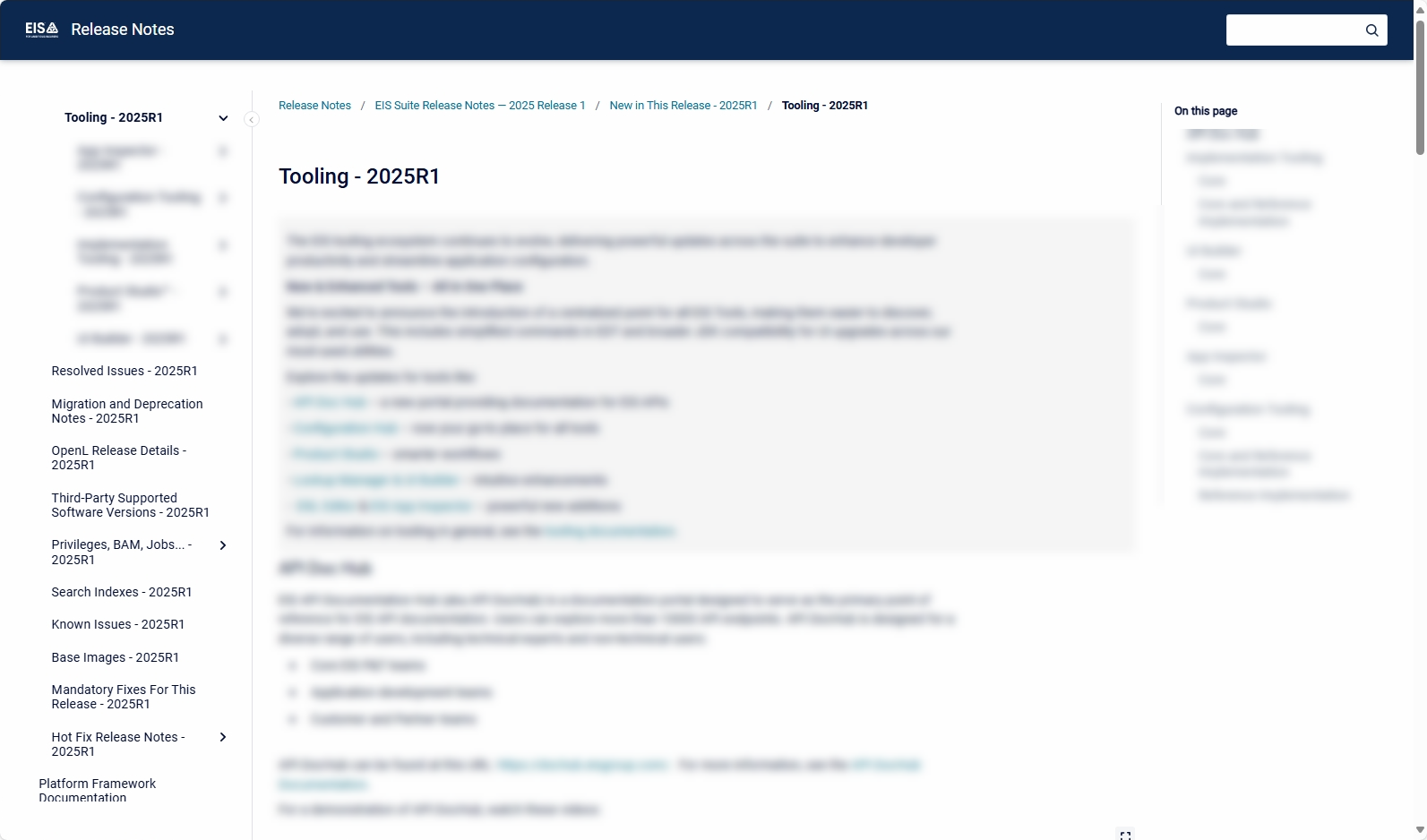
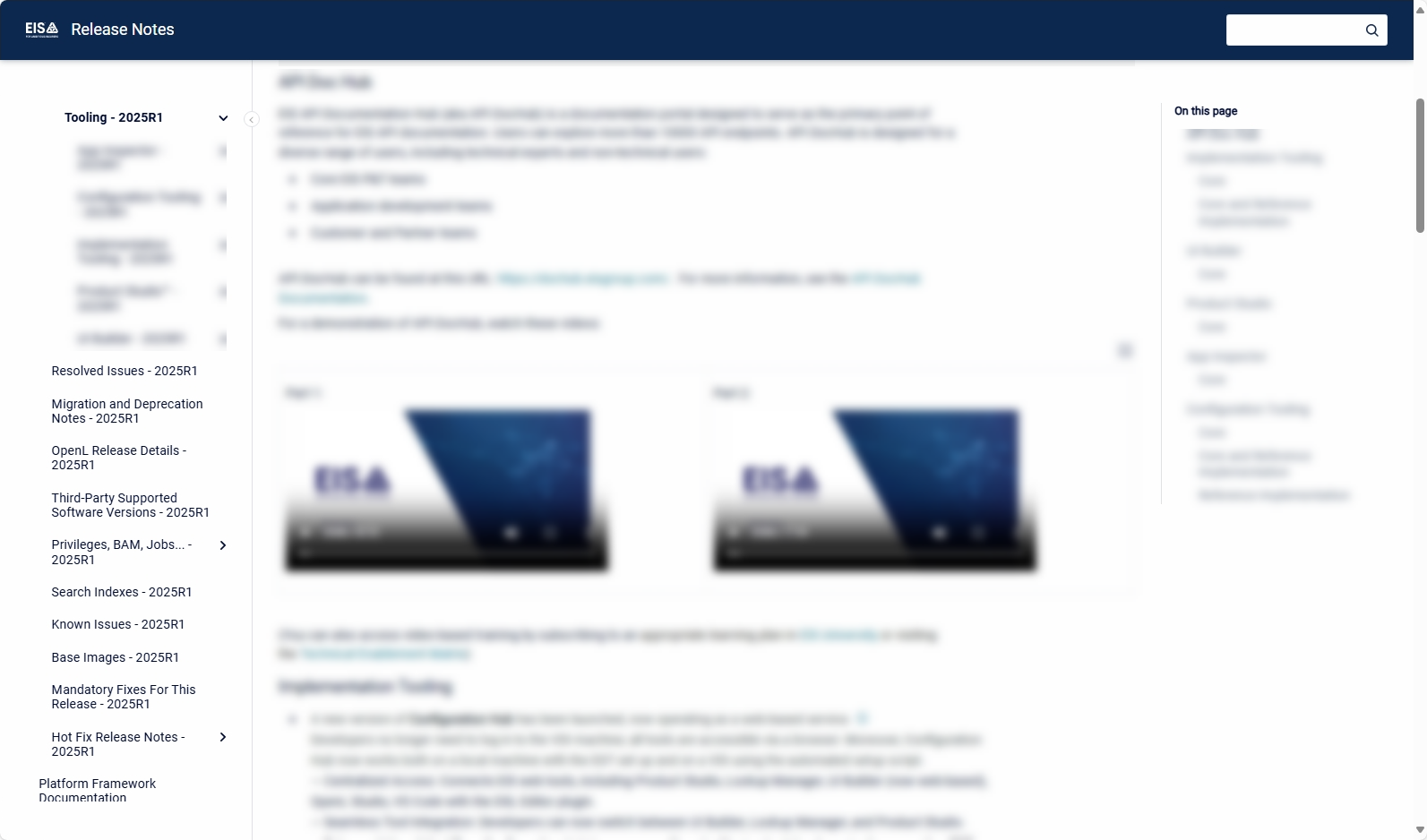
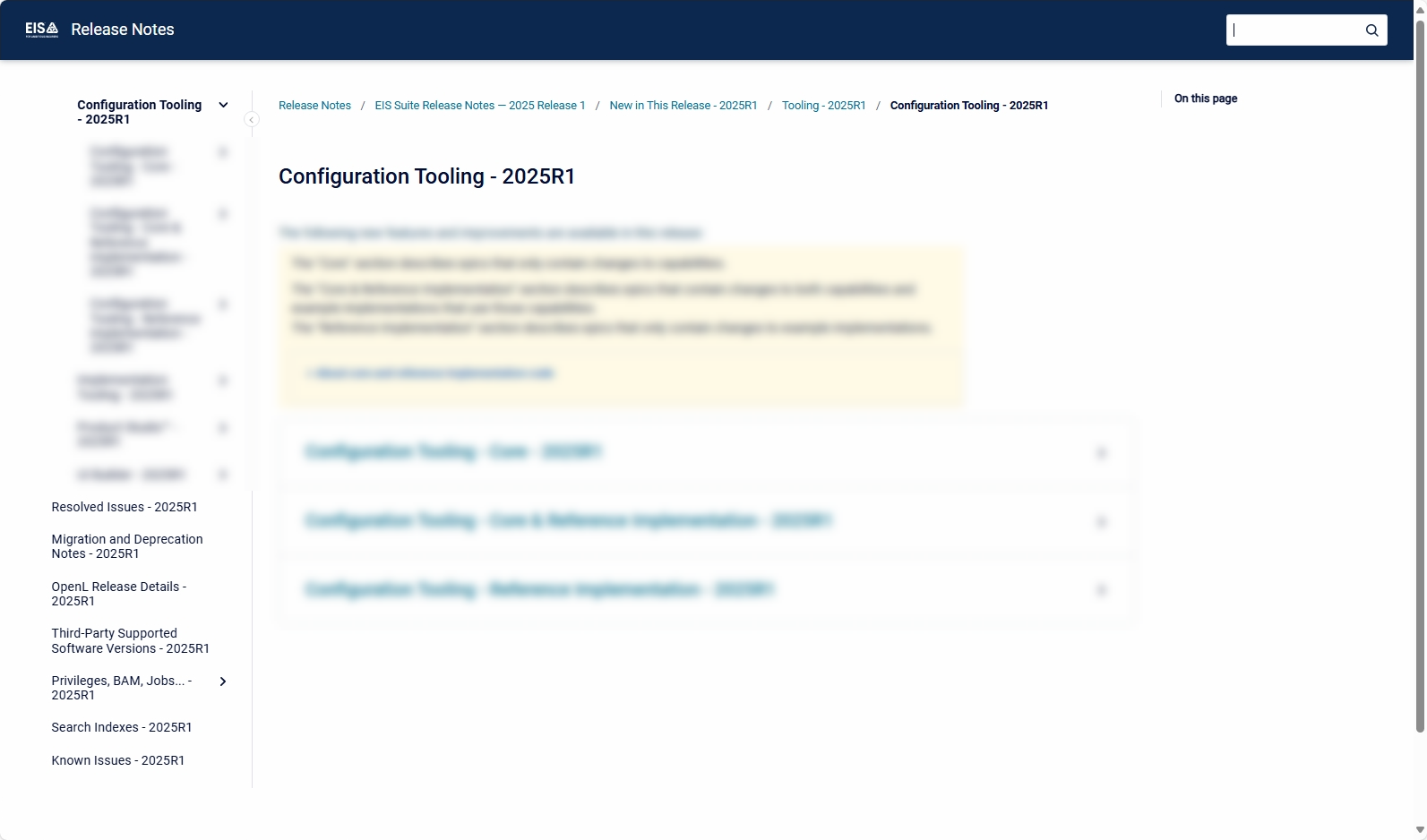
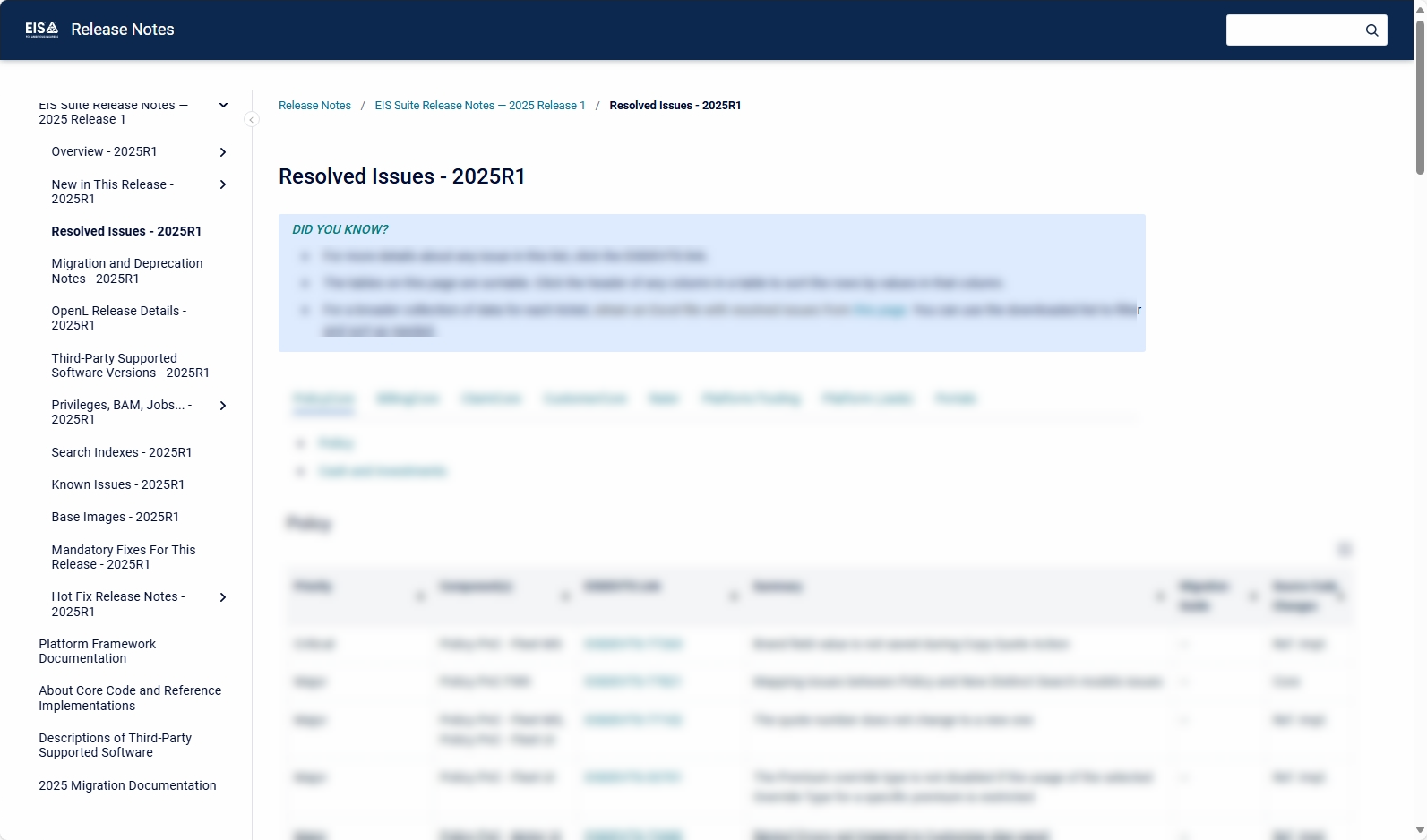
These files show a few examples of release notes I have created:
Click the first thumbnail to open the redacted PDF inside an iframe at the bottom of this section. Click any other thumbnail to display the screenshot.
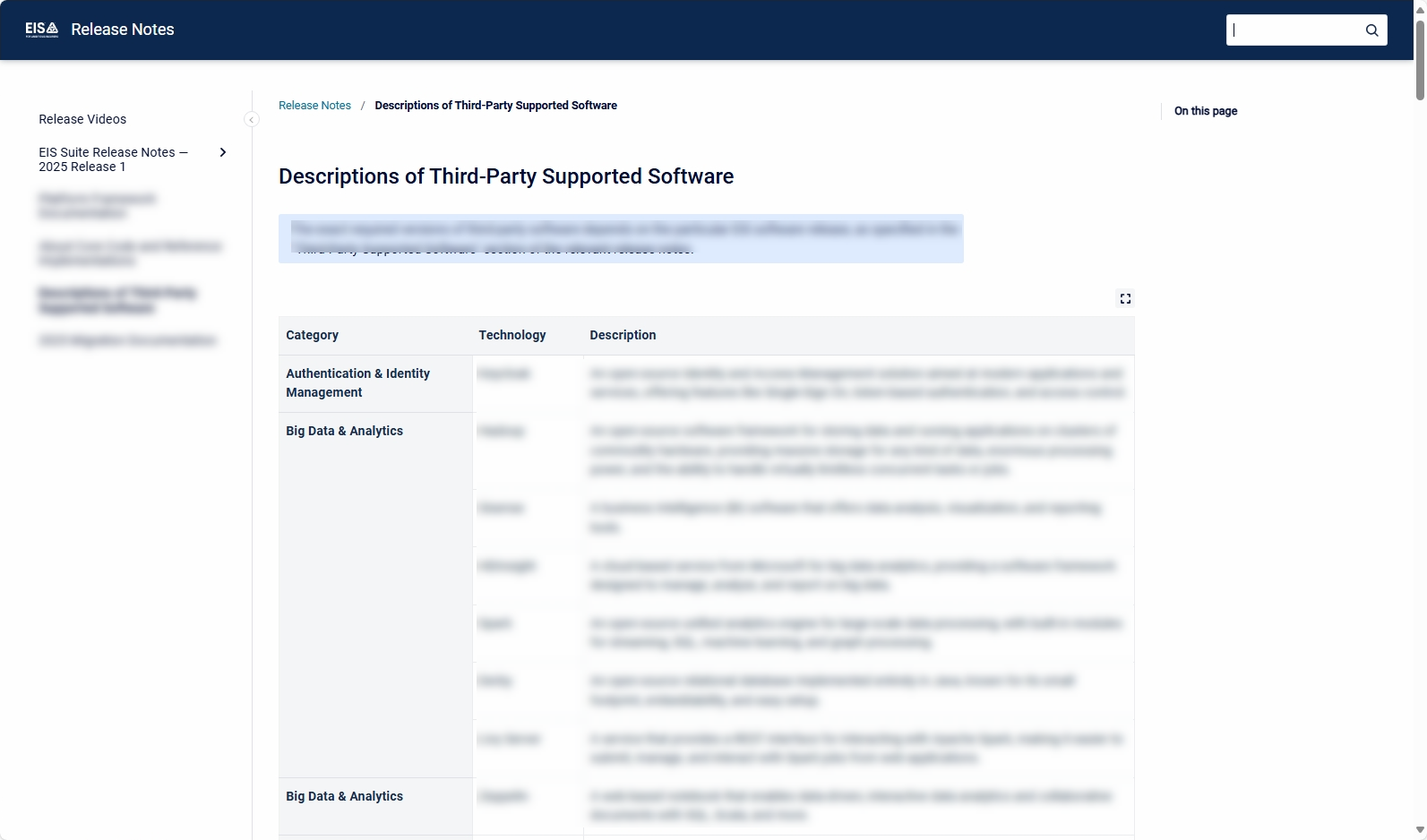
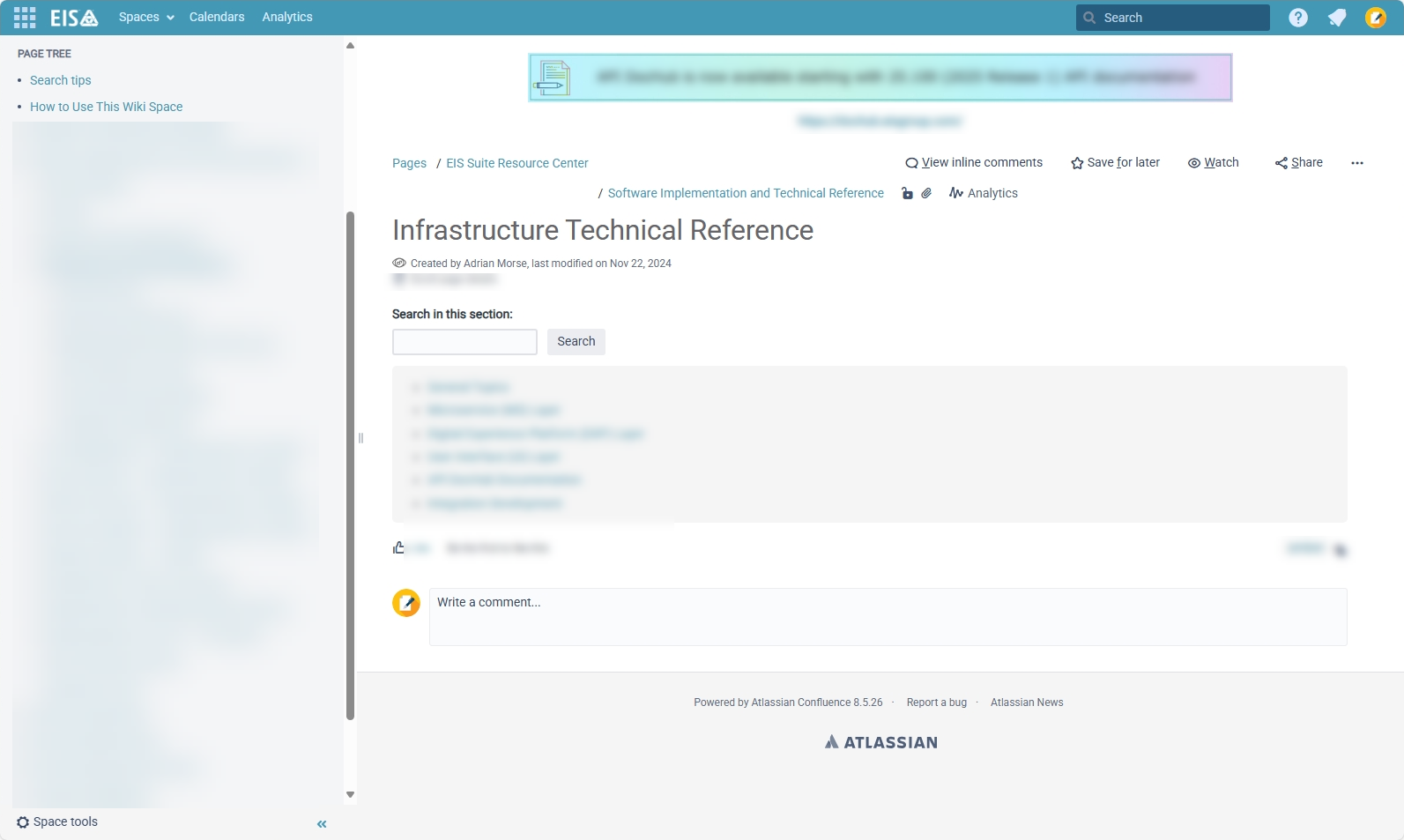
These files show a glimpse of my involvement in the creation of product updates and technical reference guides:
• The first file is a product update PDF created using MadCap Flare.
• The second file is a reference guide PDF created using MadCap Flare
• The third file is a screenshot of a technical reference section in Confluence
Click the first and second thumbnails to open the redacted PDFs inside an iframe at the bottom of this section. Click the third thumbnail to display the screenshot.
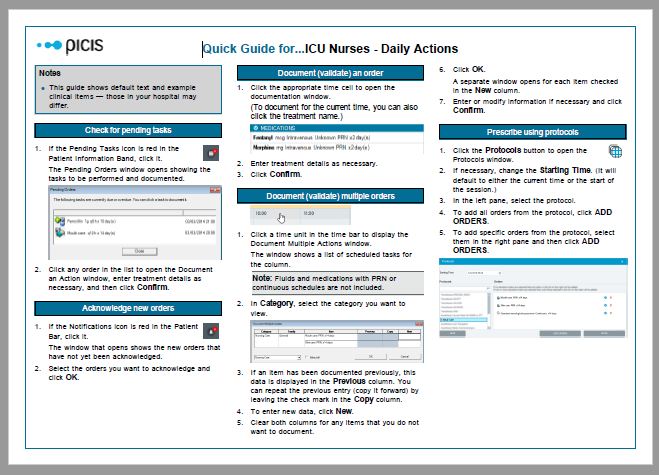
This file shows a "Quick Guide" cheat sheet for ICU Nurses. It was created using MadCap Flare. (I used the same source to generate cheat sheets for other audiences, such as Surgeons and Anesthetists.)
Click the thumbnail to open the redacted PDF inside an iframe at the bottom of this section.
These PDFs were created using FrameMaker and PowerPoint. They are user guides and training material created from the same source. We referred to this as "Training-in-a-Box".
Click a thumbnail to open the redacted PDF inside an iframe at the bottom of this section.


This section shows redacted portal prototypes that I created at EIS Group using the K15t Scroll addin for Confluence. Topics are authored in Confluence, but rendered as traditional web portals. Conditions are used to create six portal versions from a single source (spread across multiple wiki spaces). Customers are provided access to a specific high-level portal and from there can access multiple sub-portals.
These diagrams (redacted) were used to design the system. They were created using LucidChart to show the sub-portals needed by each client portal. For brevity, only two of the six client portals are shown here. Orange and green sections indicate the key product suites. Rectangles inside these sections are sub-portals for the constituent products. Each sub-portal is created from its own Confluence wiki space using the K15t Scroll addin. Versioning is available for each wiki space. Content from each sub-portal is shown conditionally depending on the package.
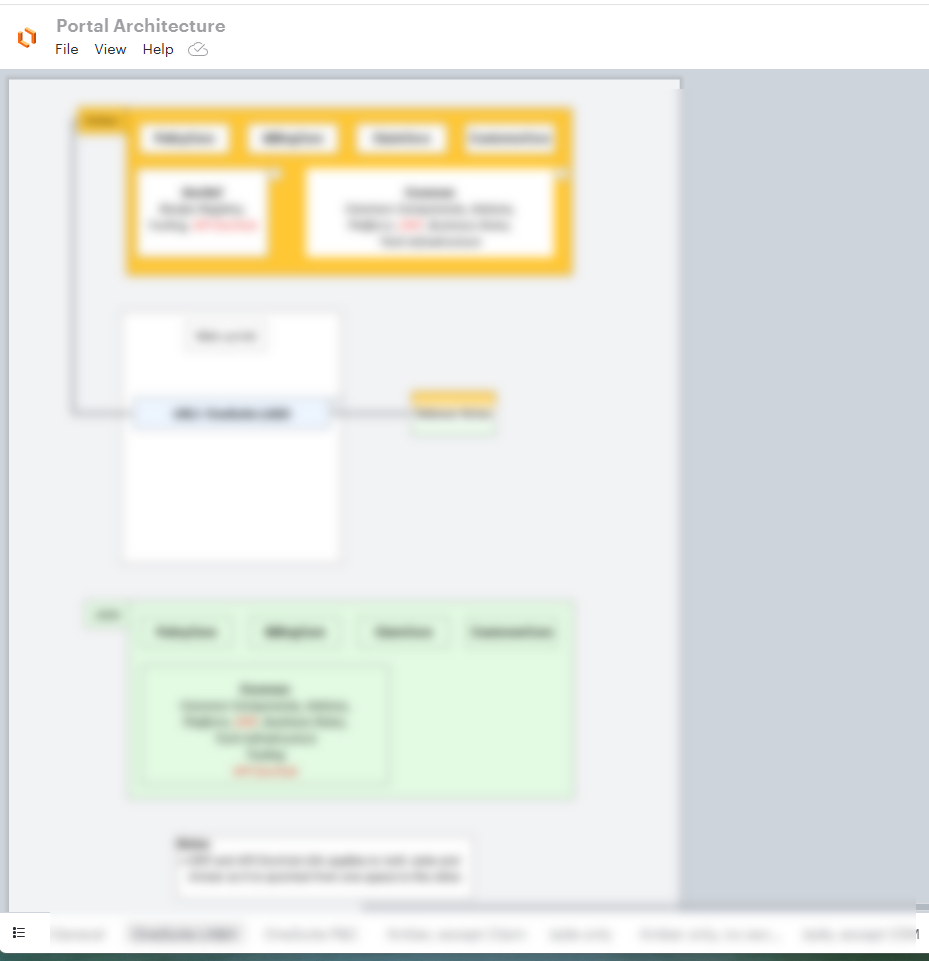
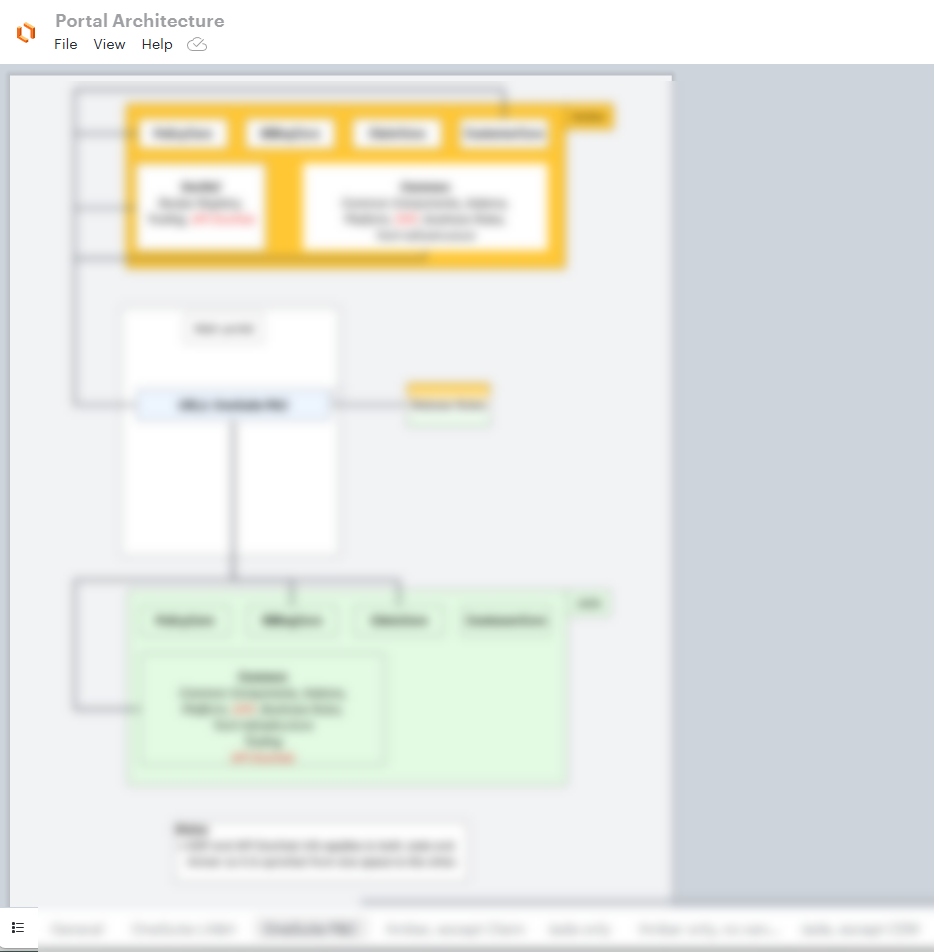
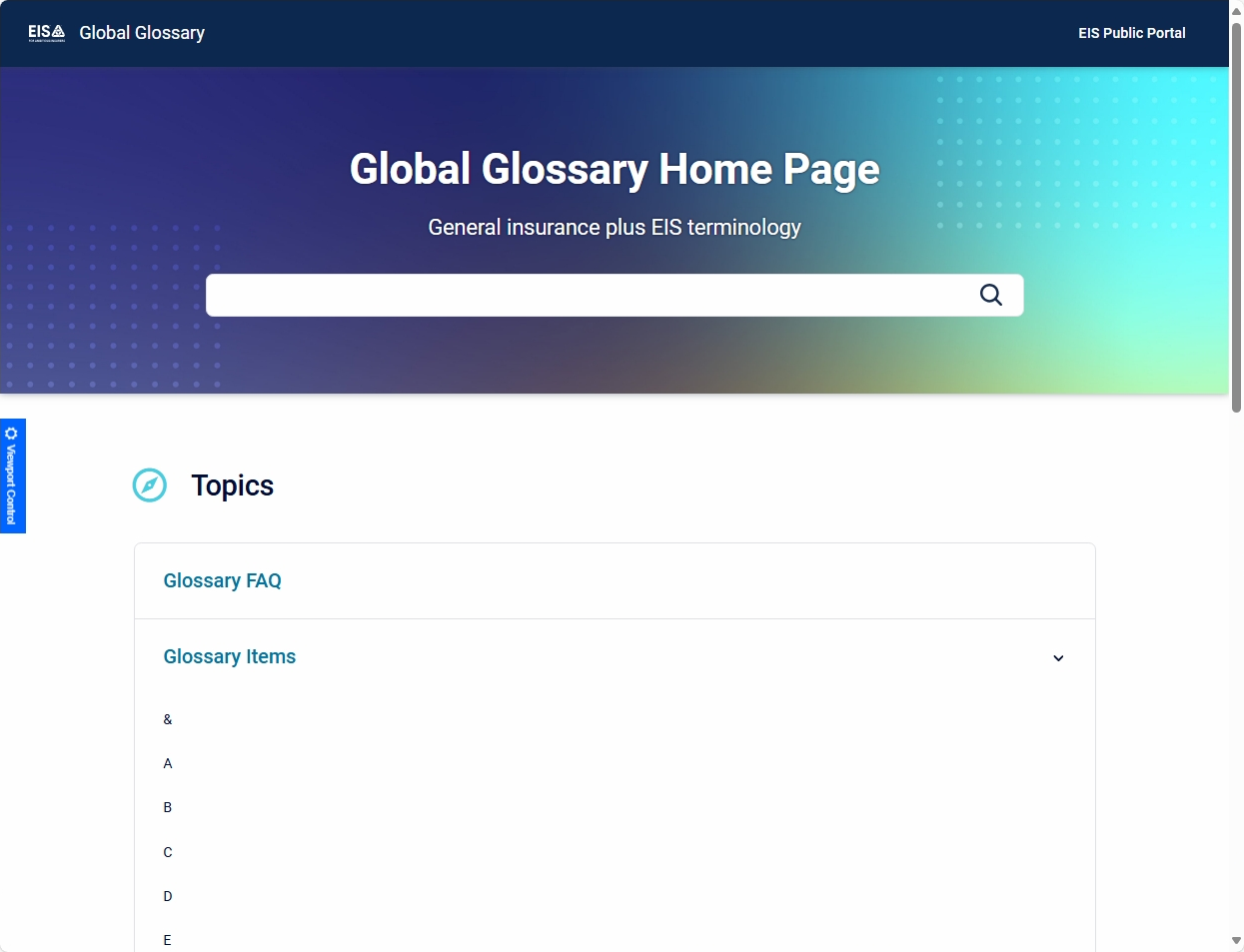
Redacted screenshots of two high-level portals. Each customer group has access to a specific high-level portal from which they can access multiple sub-portals.
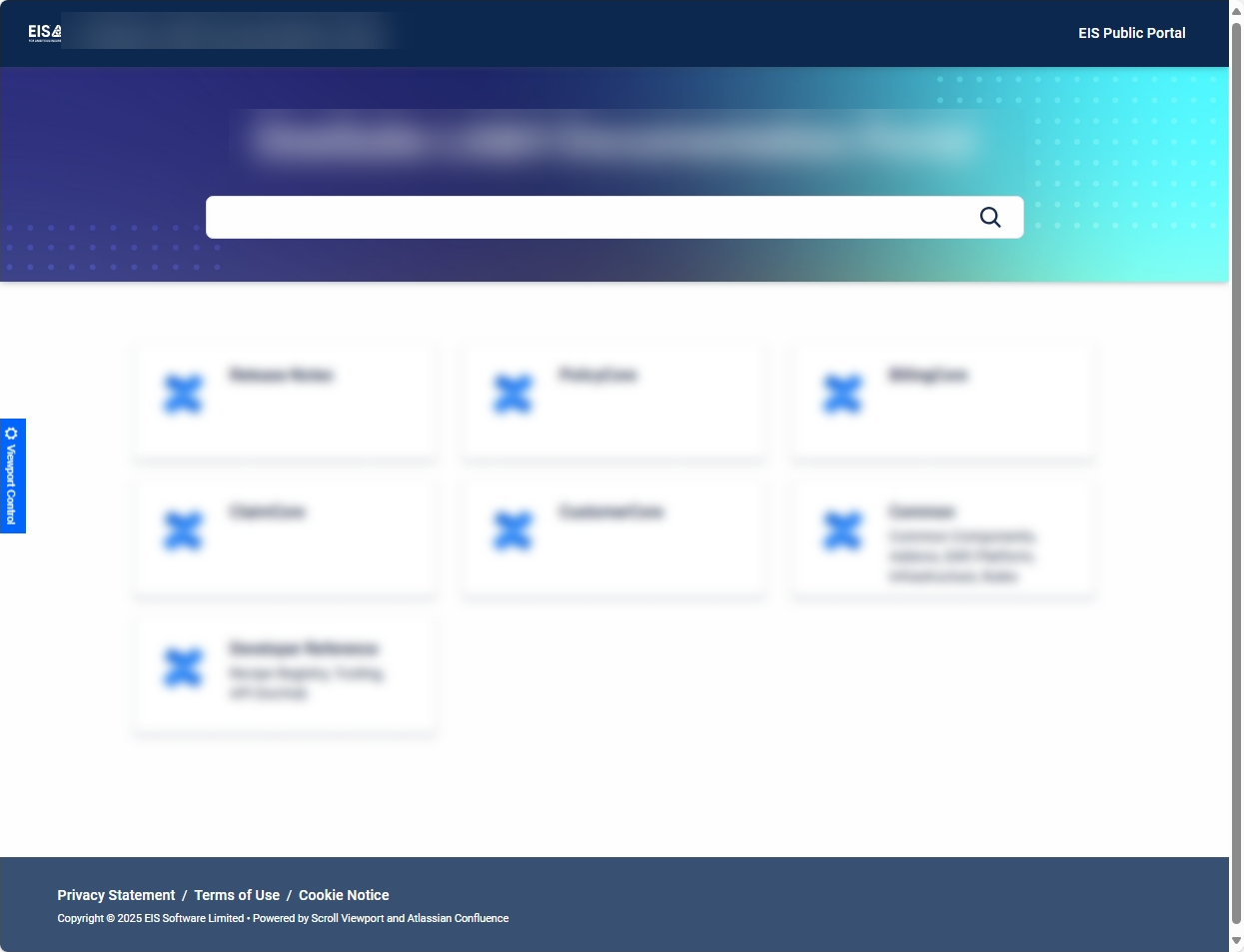
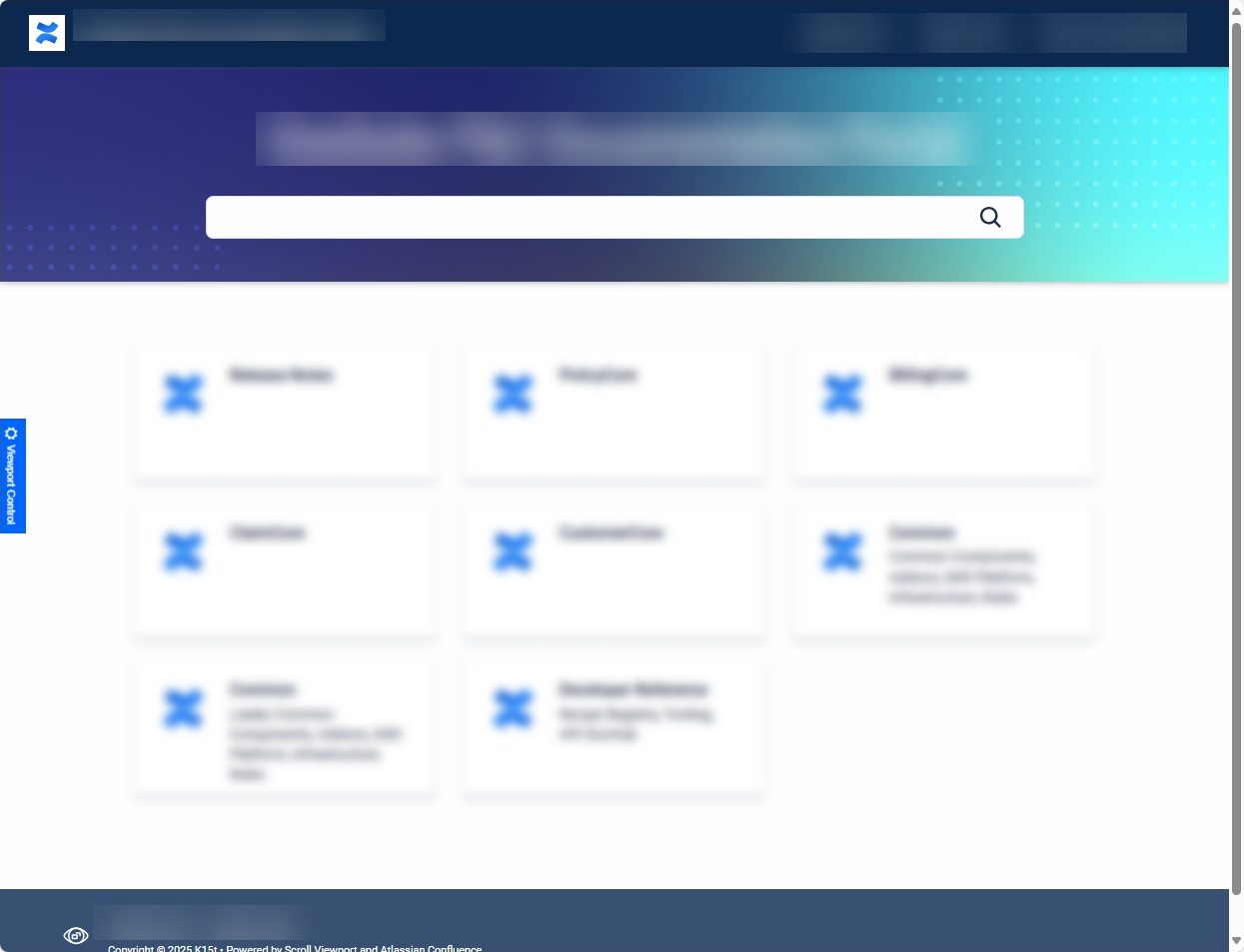
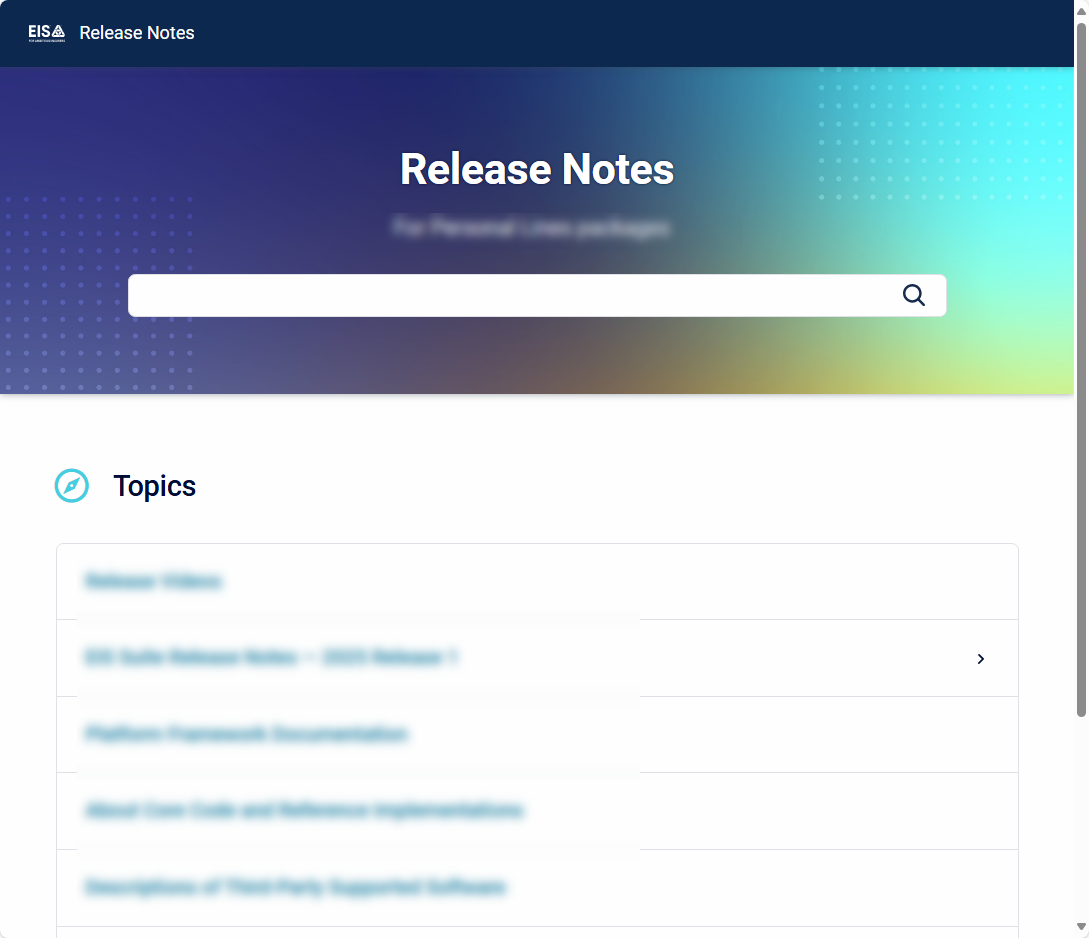
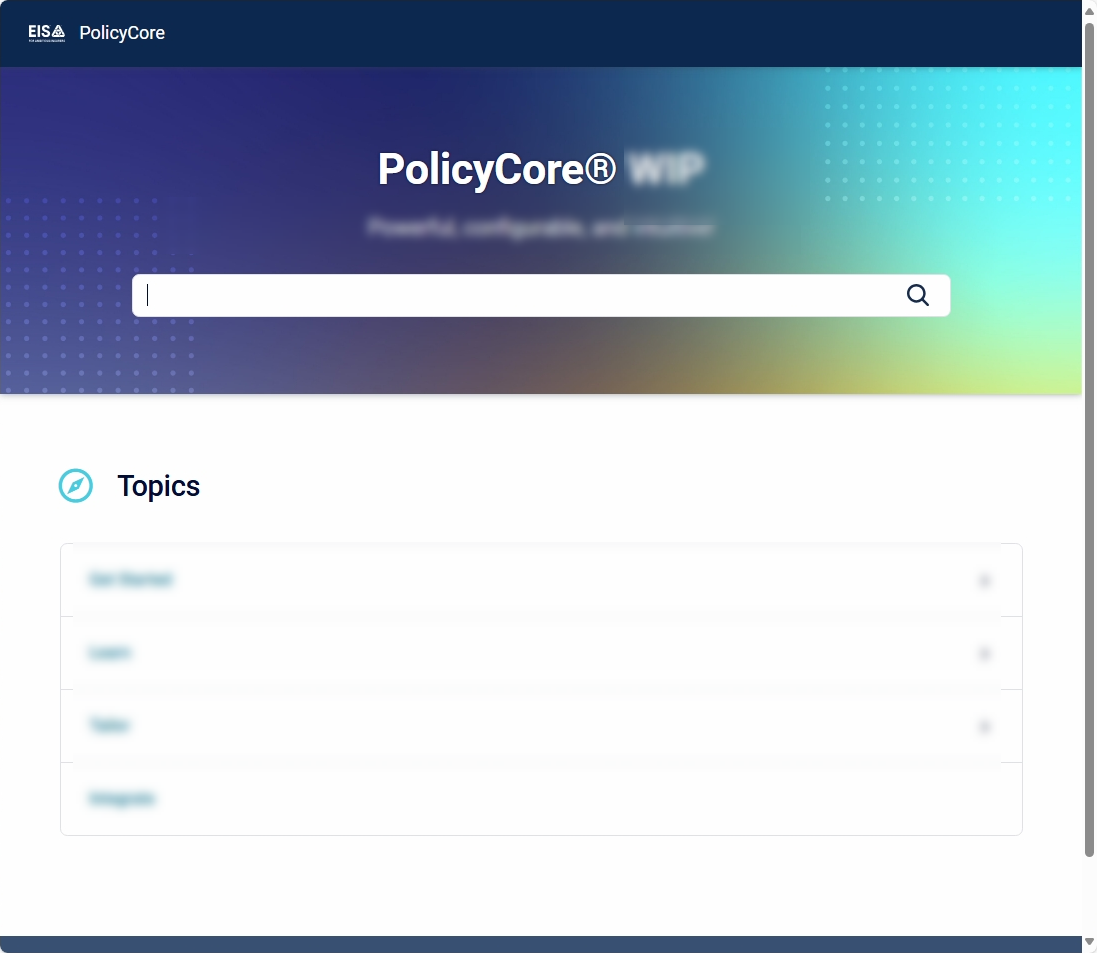
Redacted screenshots of a few low-level portals (sub-portals). Each sub-portal has an associated Confluence wiki space.
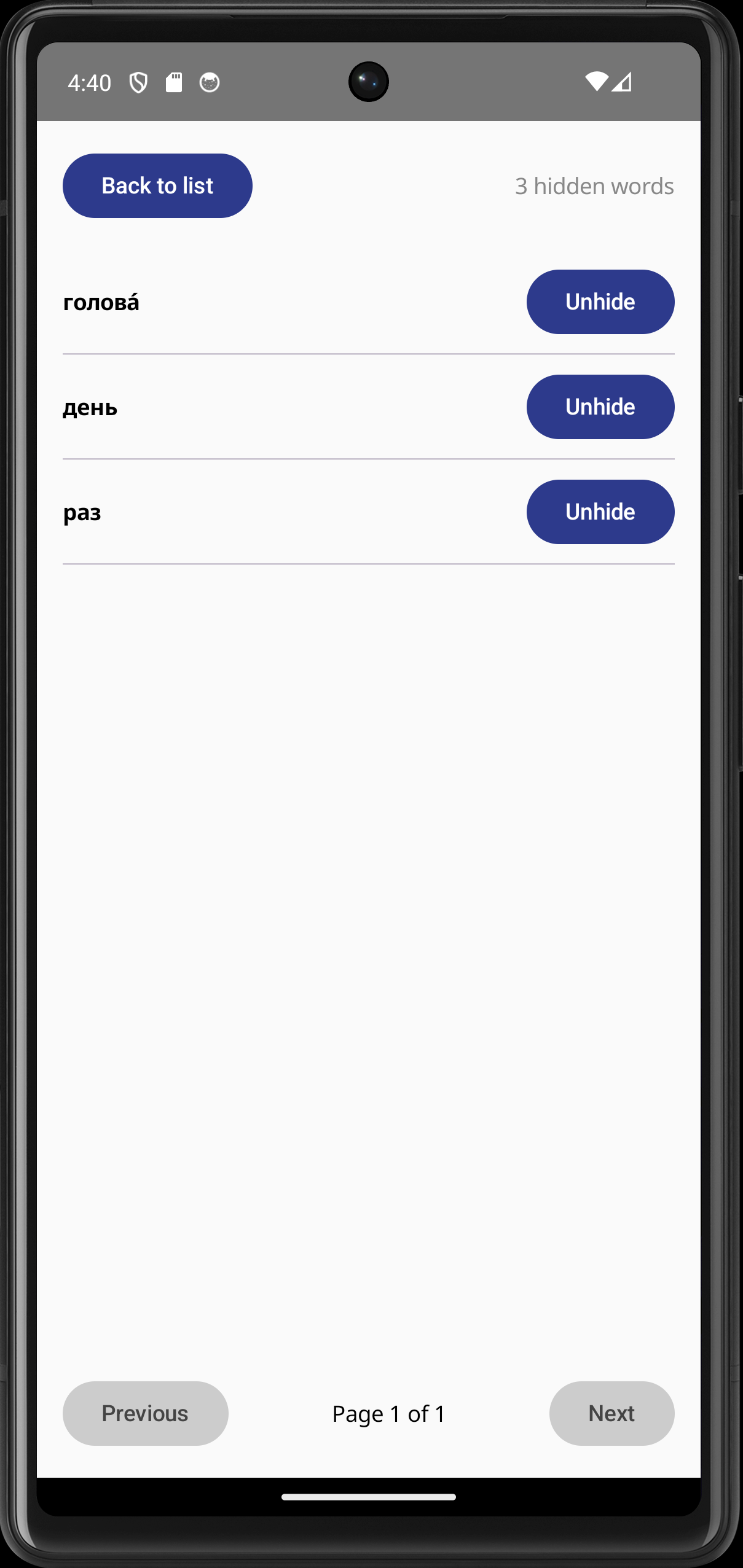
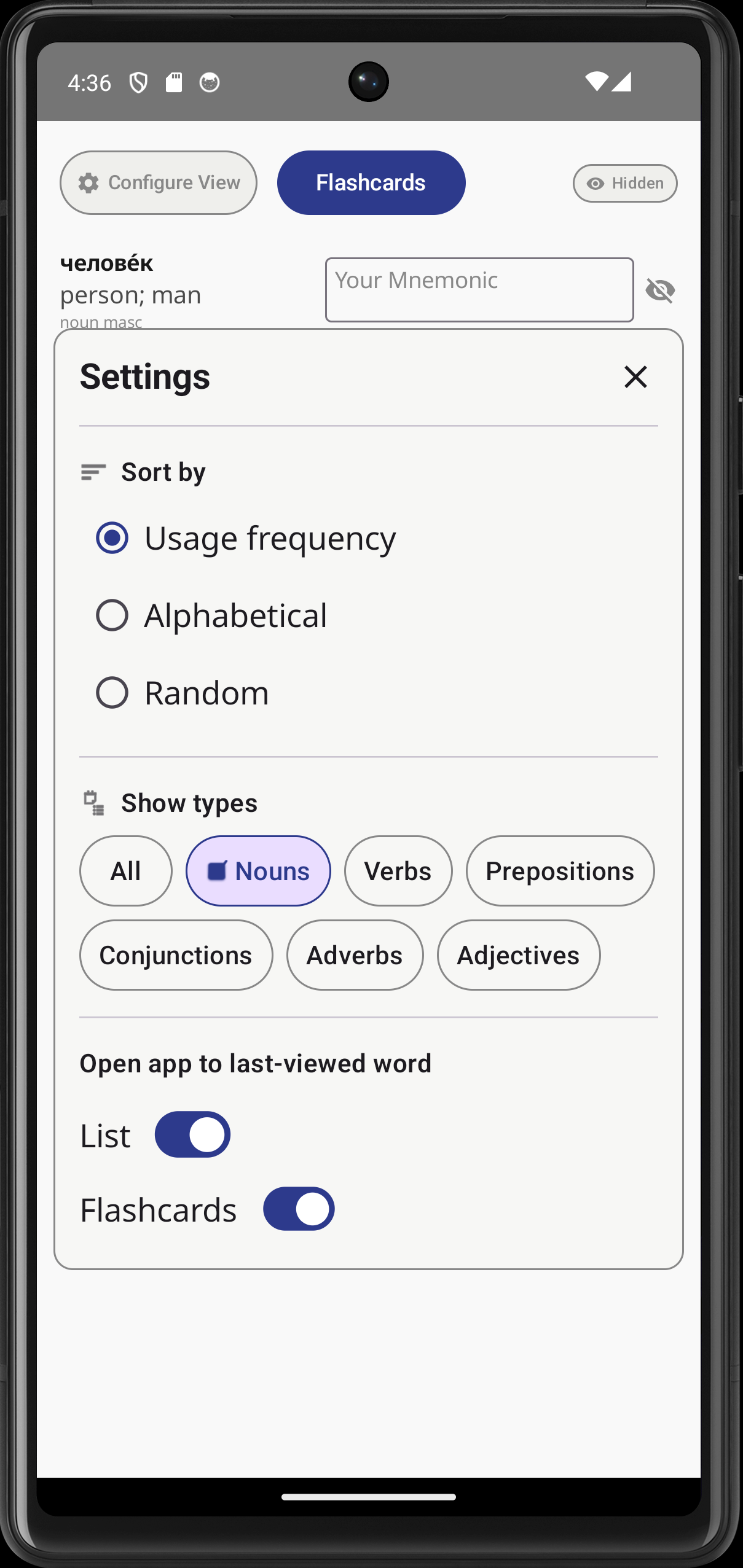
The files at the bottom of this section are screenshots of an Android app that I created in Spring 2026 as part of a personal project. The app is available here in the Google Play Store:
https://play.google.com/store/apps/details?id=com.adrianmorse.mnemonixrussian
You can also use this QR code to install it on your phone:

Although the app does not fall within the scope of technical writing experience I am including it in my portfolio to give an indication of my technical abilities and my aptitude for learning. Before creating the app I took the Google Developer "Android Basics with Compose" course focussing on Android Studio, Kotlin and Compose.
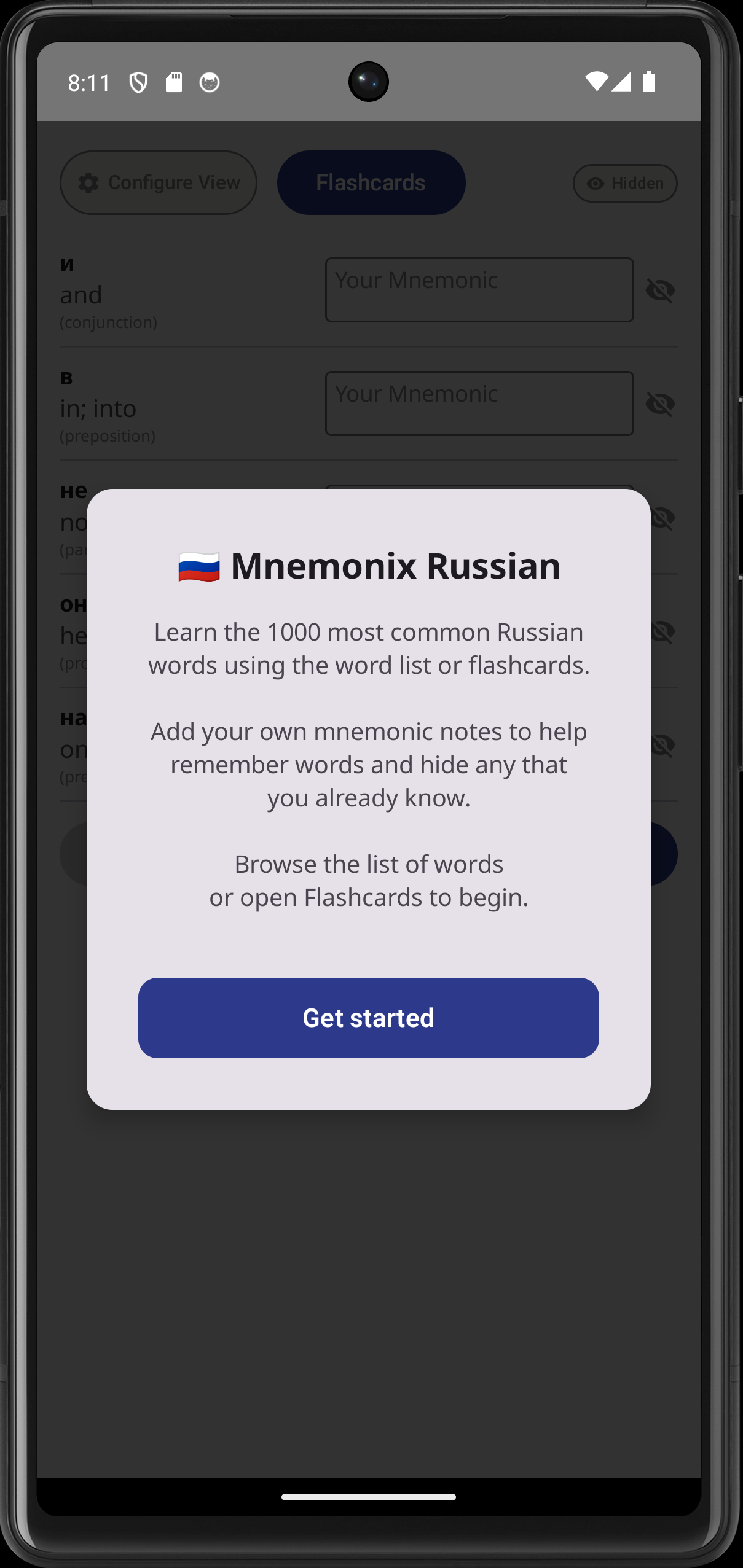
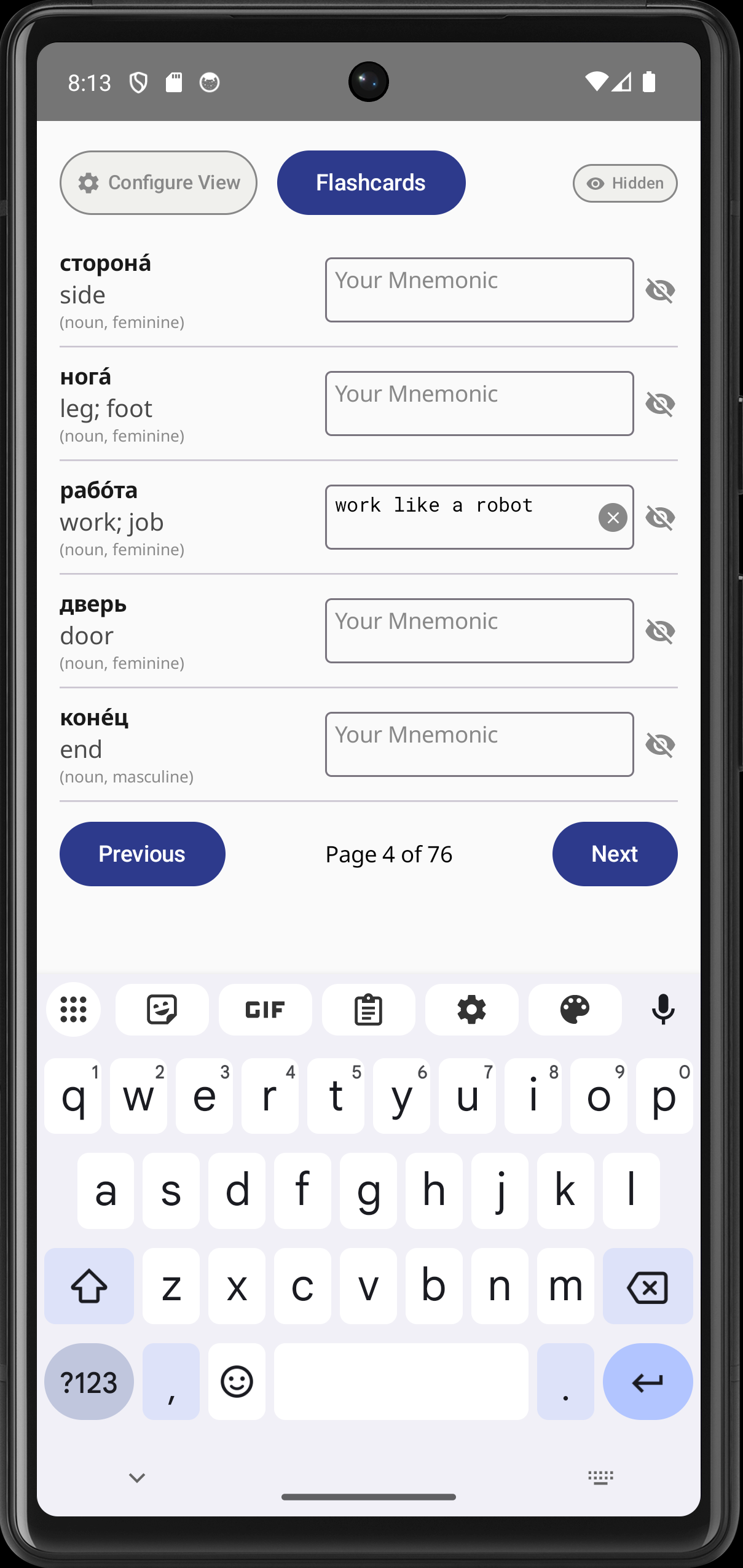
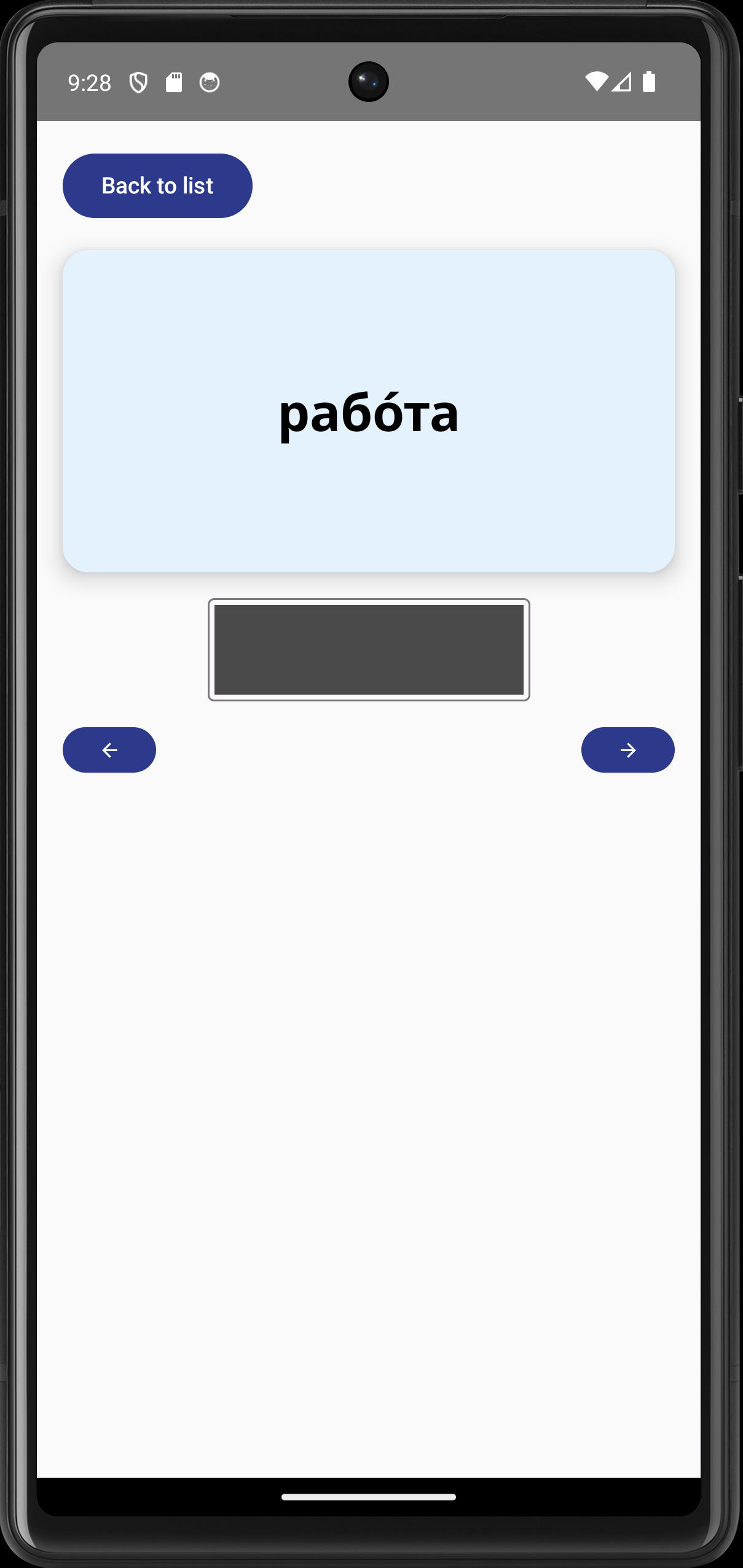
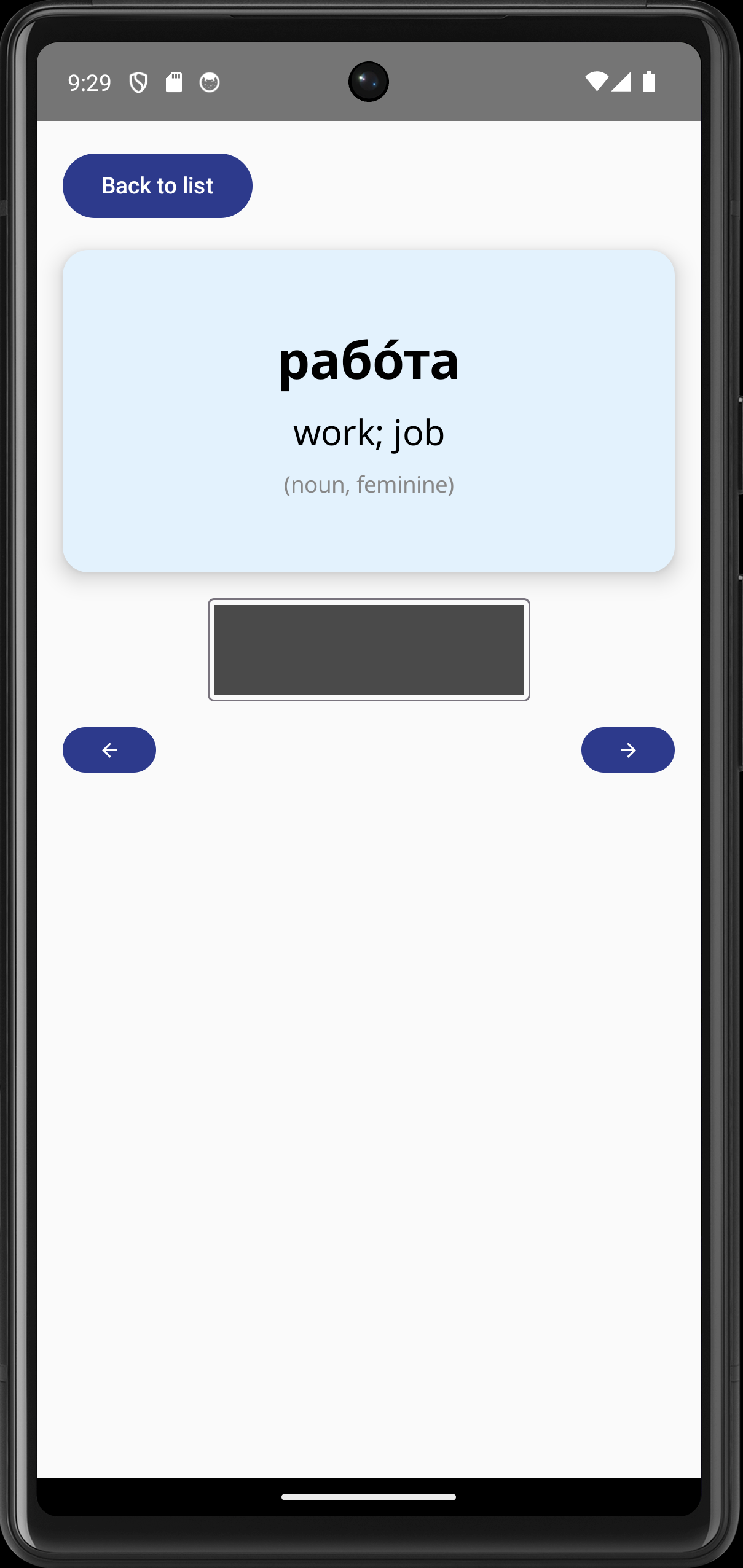
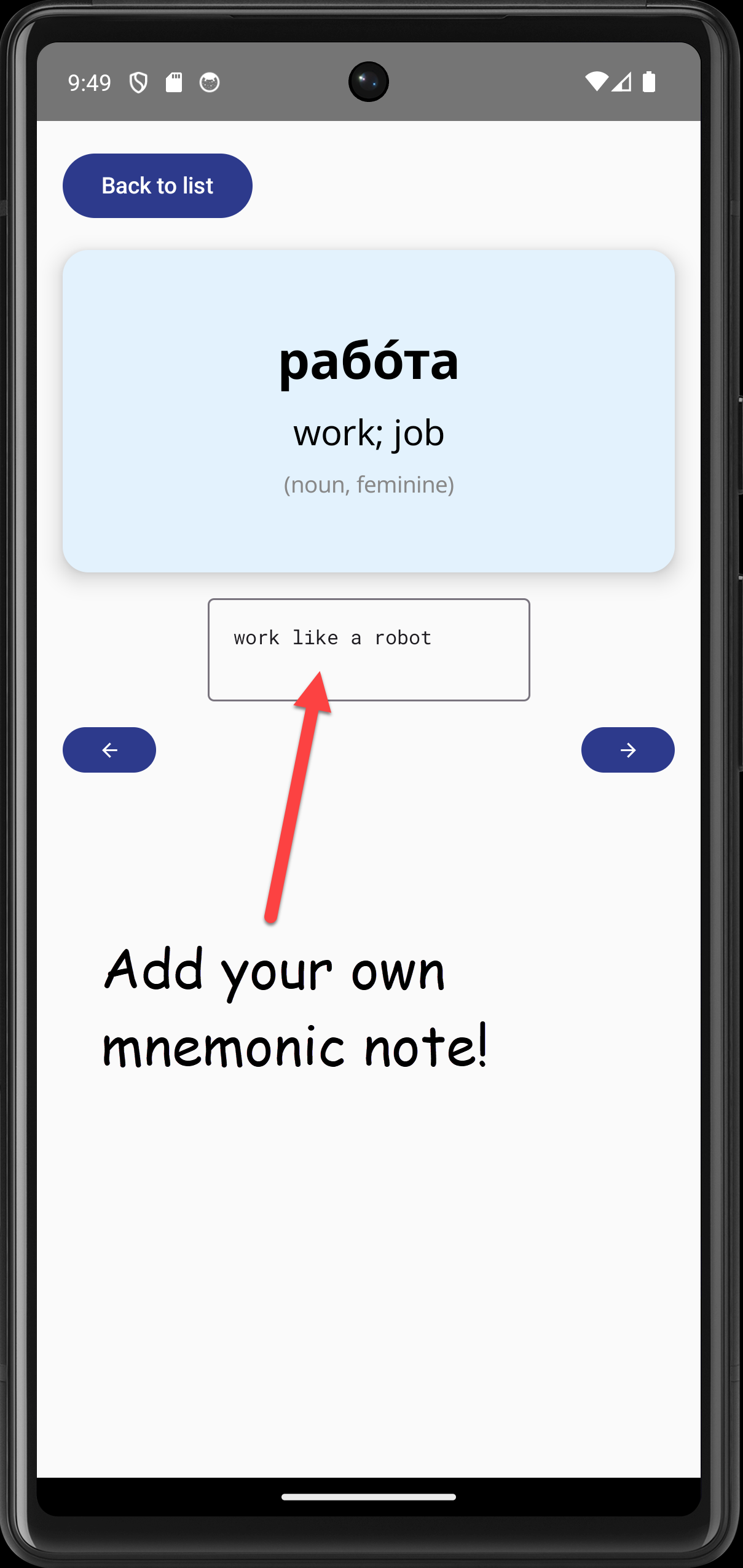
The app is called Mnemonix — Russian and is a language-learning flashcard app focussed purely on Russian vocabulary. It is loaded with the 1000 most-frequent Russian words. Unlike other flashcard apps for language learning in Google Play Store, Mnemonix — Russian allows the user to enter their own mnemonic notes to help remember words. This is particularly useful for learners of Russian whose native language does not use the Cyrillic alphabet, such as native English speakers. (Context: I began learning Russian in 2021 because it was the native language of most employees in my company.)
The screenshots show the following:
It took me 10 days to create the app, plus two days handling the Play Store submission and incorporating tester feedback.
While waiting for testing to complete I also set up a partial web demo version by migrating the app to a kotlin multiplatform setup. (Because the web version is only for demos, any user-entered notes are not retained on closing or refreshing the page.)
As a companion project, I built a Java console-based flashcard app using IntelliJ IDEA, which can be found on GitHub:
https://github.com/Docu-Mental/Russian-Flashcards-Java-Project
I have the following experience of managing teams:
These files are PDFs that I created for internal audiences.
Click a thumbnail to open the redacted PDF inside an iframe at the bottom of this section.
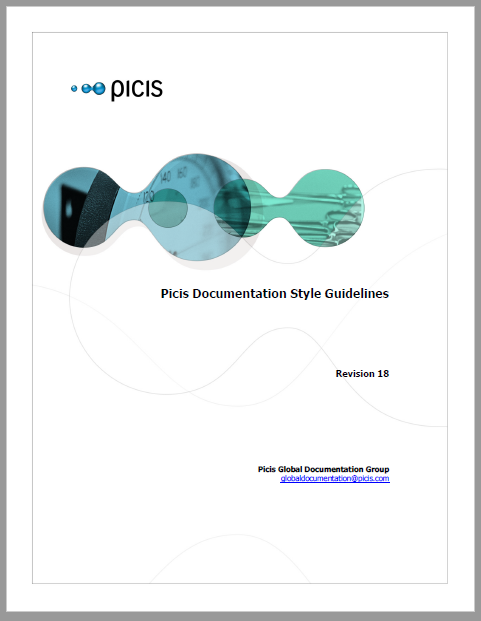
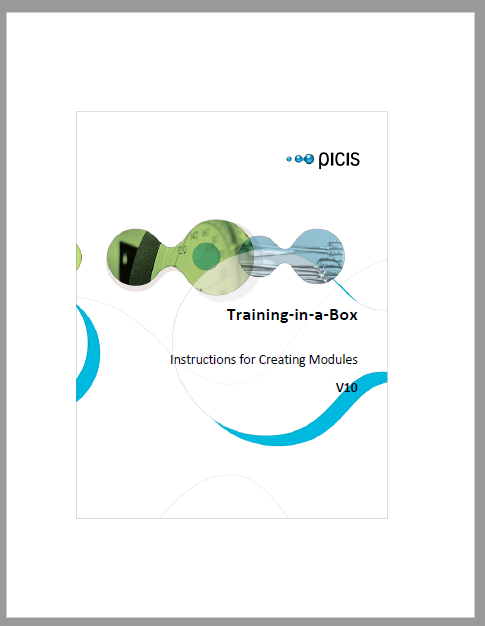
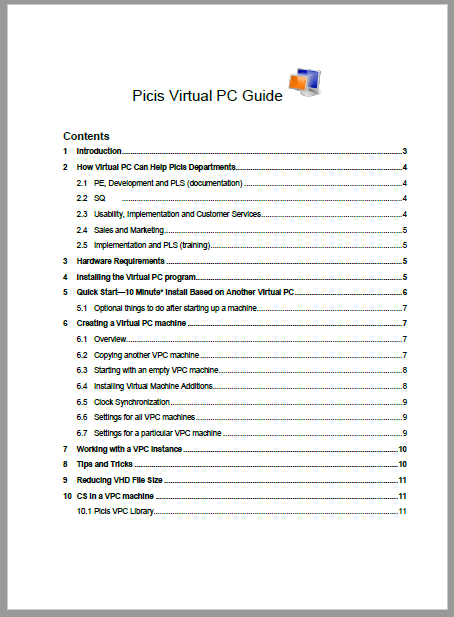
These documents highlight my involvement in localization projects.
Besides these examples, I also managed the whole localization process while working at Picis. I coordinated closely with the development team and contracted an agency to localize our UI strings and documentation/help source into 10 languages.
Click a thumbnail to open the PDF inside an iframe at the bottom of this section.
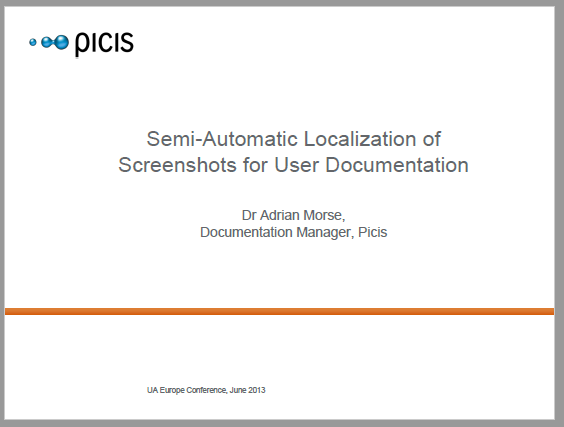
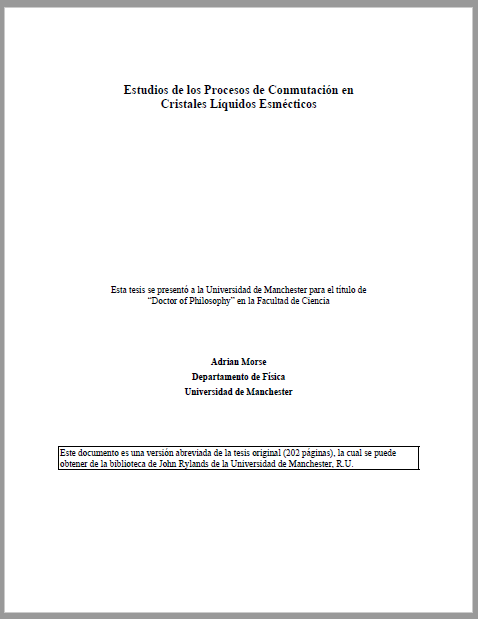
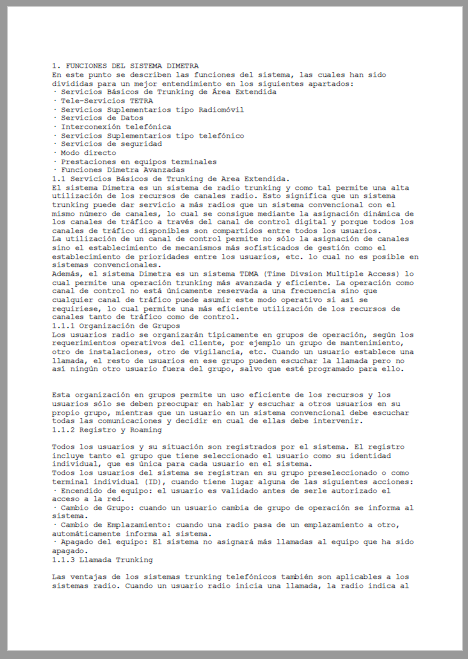
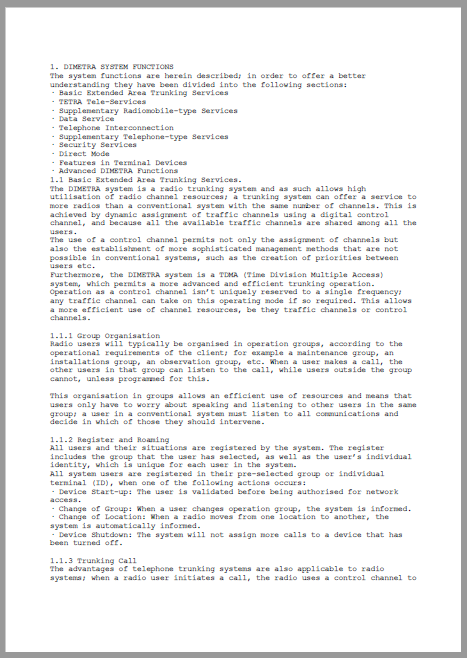
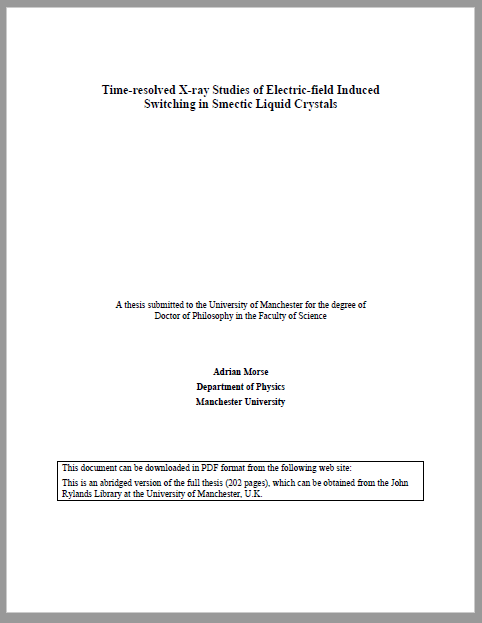
These files show my PhD thesis and other documentation that I wrote while working in the field of liquid crystal displays.
Click a thumbnail to open the PDF inside an iframe at the bottom of this section.
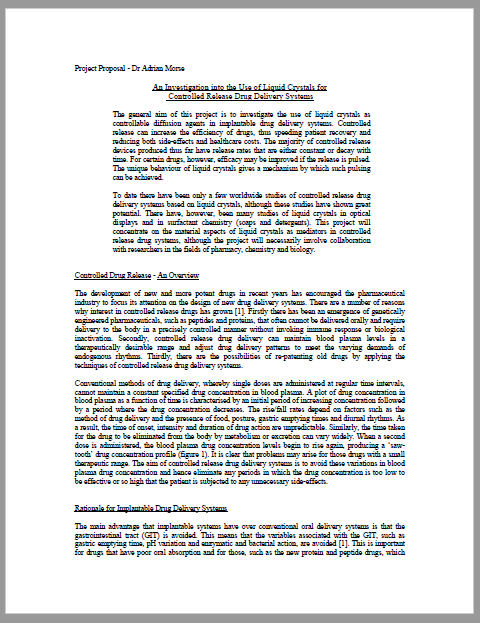
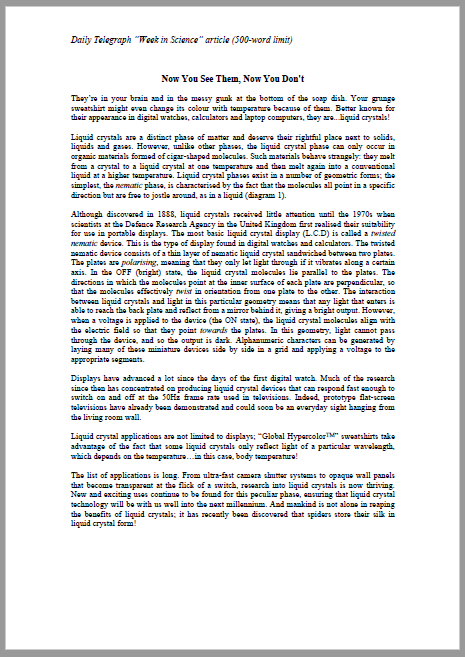
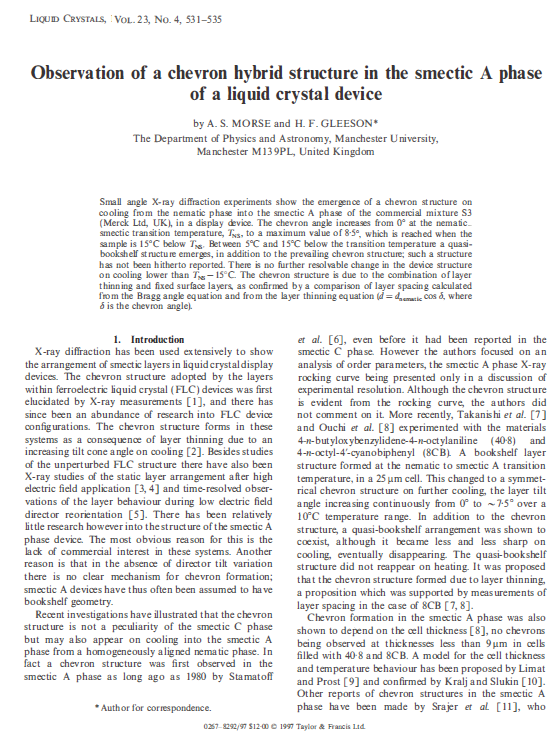


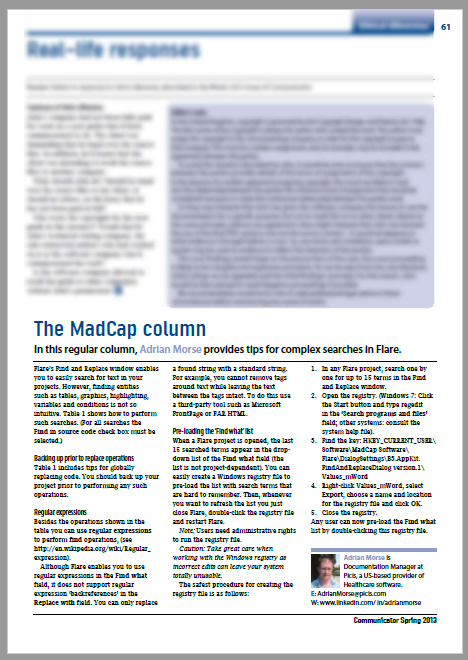
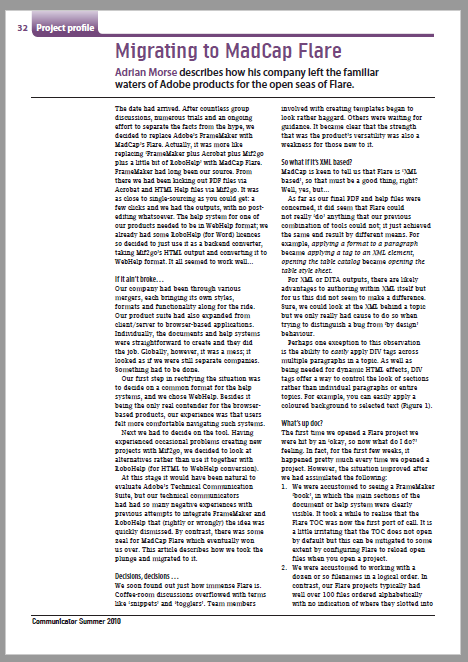
These files highlight my involvement in the technical writing community:
Click a thumbnail to open the PDF inside an iframe at the bottom of this section.
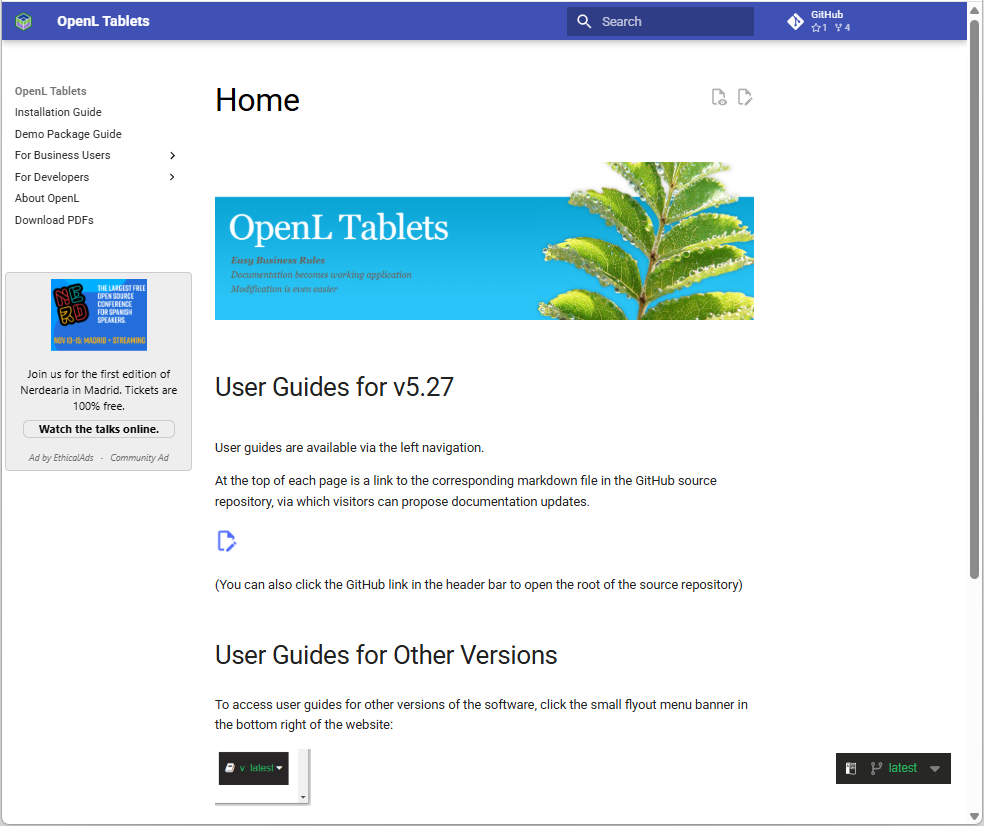
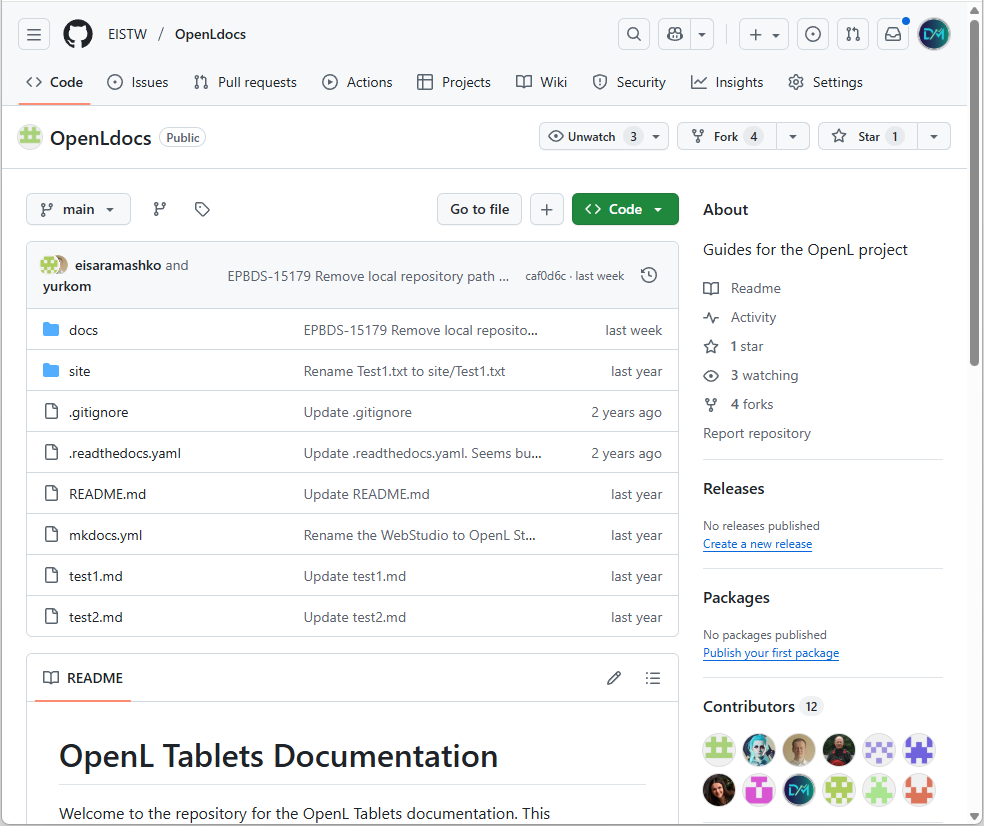
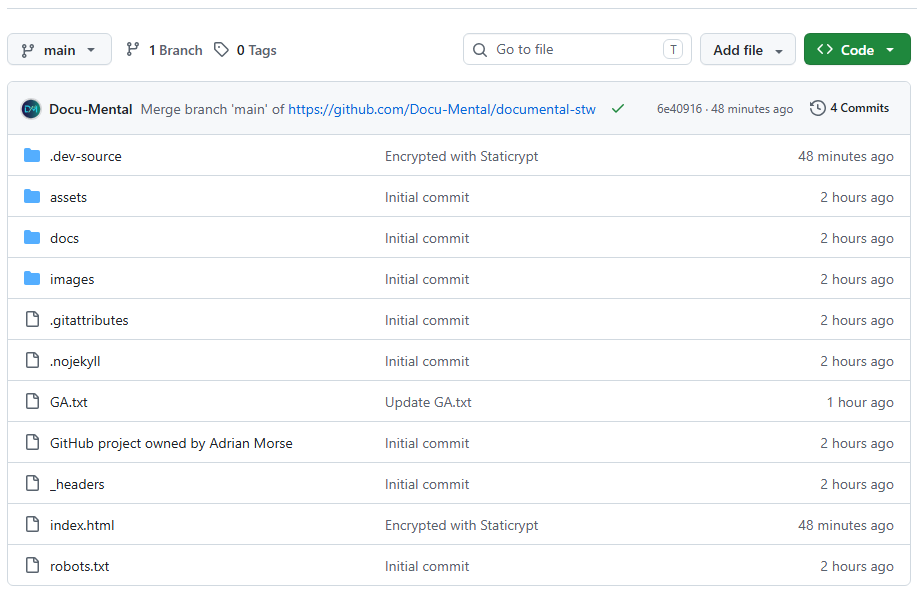
I have set up the following Docs-as-code projects:
Click thumbnail to open the portal
Click thumbnail to open the GitHub repo
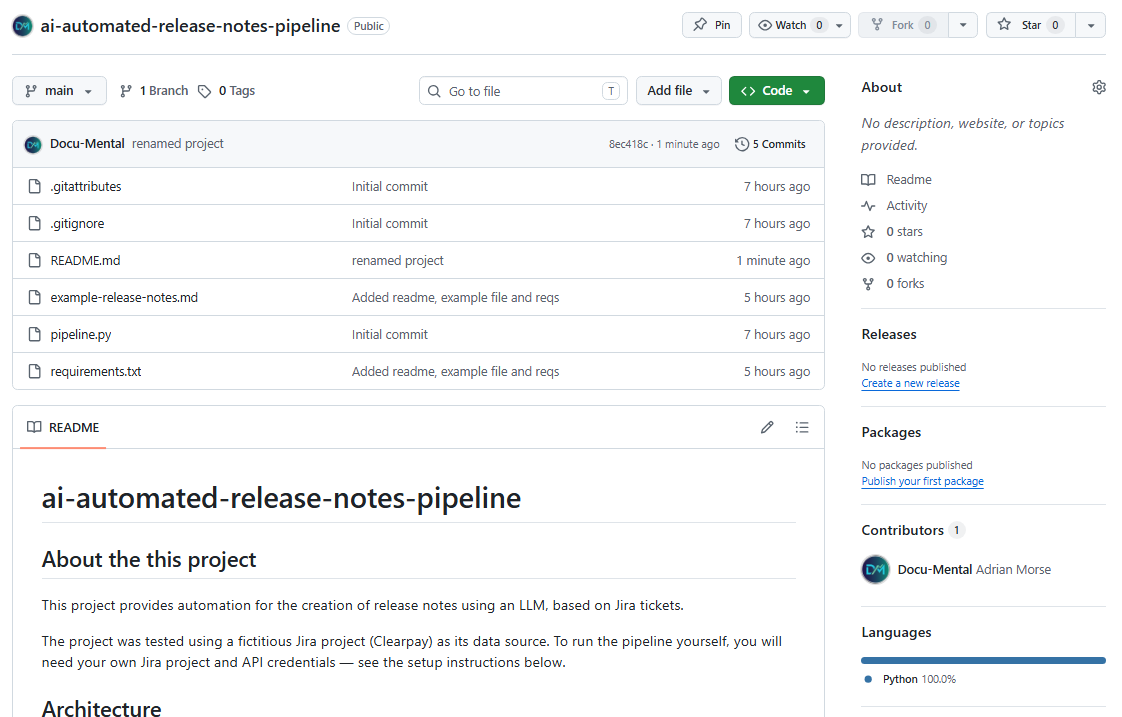
I created an LLM-based release notes generator that uses a Python script to extract Jira ticket data and convert it into structured Markdown release notes using the Claude API.
Click thumbnail to open the GitHub repo
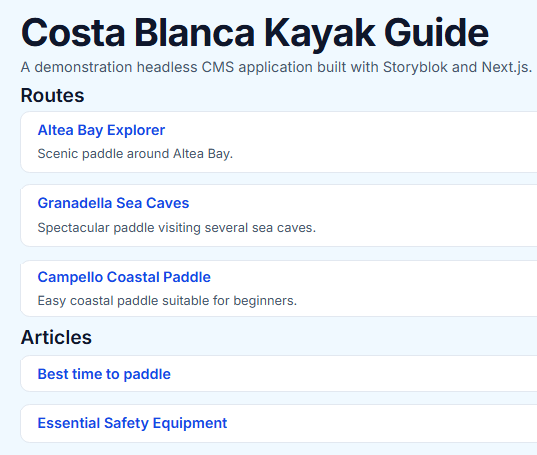
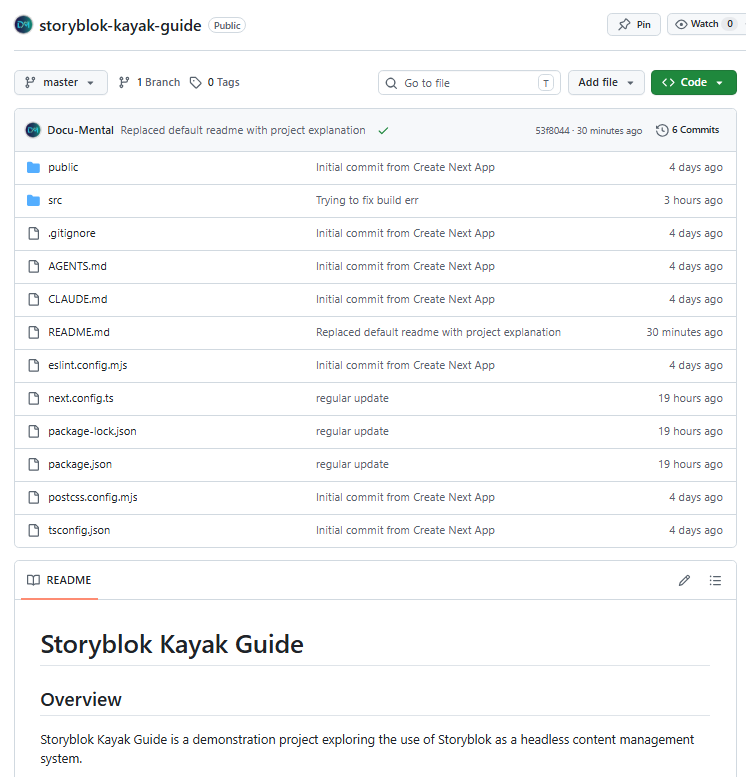
I built a small headless CMS demo application using Storyblok and Next.js.
The project took me through a complete content workflow, from modelling structured content in Storyblok to retrieving it through the Content Delivery API and presenting it in a Next.js frontend.
While I designed the Storyblok content model and CMS configuration myself, I used AI as a development assistant for much of the Next.js implementation.
The application includes:
The live demonstration and complete source code are available below.
https://storyblok-kayak-guide.vercel.app/
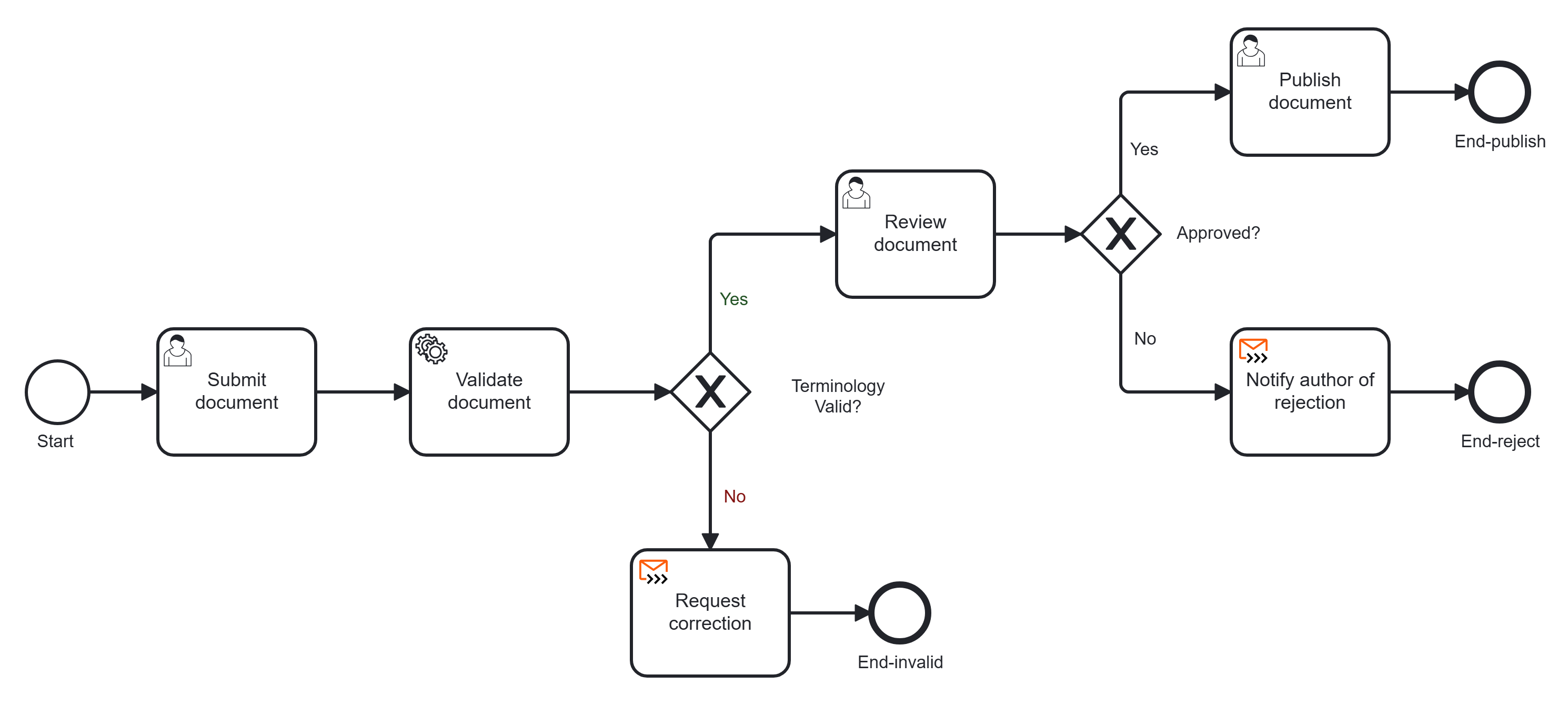
As a personal project, I built a simple documentation review and publishing workflow project with Camunda 8. You can find the project in GitHub.
The workflow allows an author to:
The project combines Camunda Cloud/SaaS components with a small Python worker running on the local development machine.
While I designed the BPMN model, workflow and forms myself, I used AI to help with creating the python script.
The global workflow consists of three processing routes, as shown in the following videos.
Note that the videos do not have an audio track.
Flow 1 - prohibited terminology
Flow 2 - document passes terminology check, but fails review
Flow 3 - document passes terminology check, then passes review
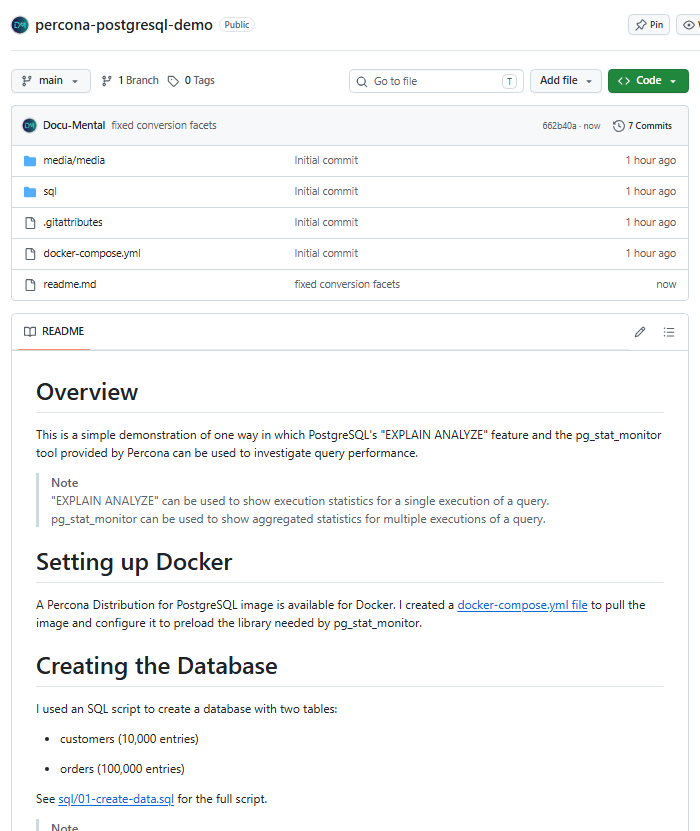
I ran Percona Distribution for PostgreSQL in Docker and compared two ways of investigating query performance: PostgreSQL's EXPLAIN ANALYZE, which reports on a single execution, and Percona's pg_stat_monitor, which aggregates statistics across many executions. The README documents the setup, the test scripts, and what each tool showed.
Click thumbnail to open the GitHub repo
I created this website in November 2025 as follows:
With the help of AI it took me four days to collate samples and create this site. Without AI it would likely have taken four weeks.
Note that this website has not been optimized for mobile devices.